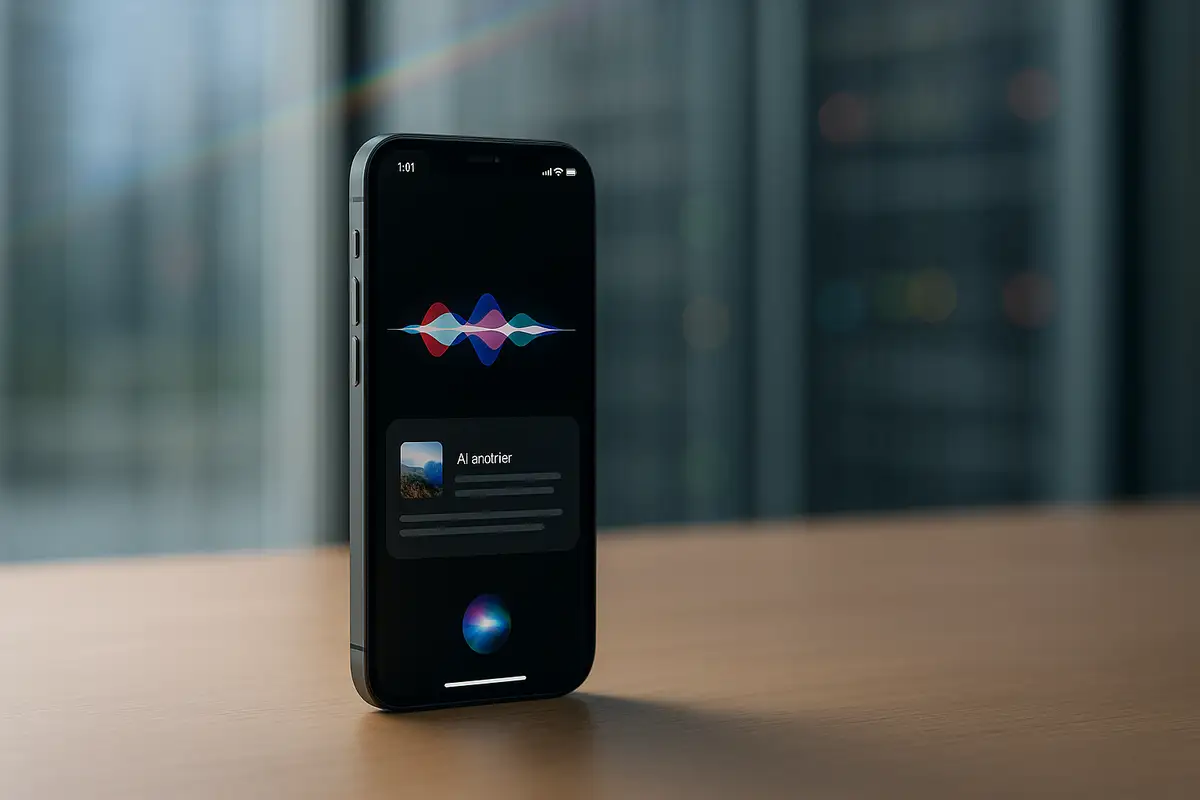
Apple is reportedly testing a version of its next-generation, AI-powered Siri that would weave the assistant far more deeply into the iPhone experience, making it feel present across apps and interfaces in a way that echoes how Google is pushing Gemini through Search, Gmail and Docs.
According to a report based on anonymous sources shared with Bloomberg’s Mark Gurman, Apple is expected to show “some version” of this revamped Siri on June 8 at its Worldwide Developers Conference (WWDC), alongside an early look at iOS 27. The work is still in development and not finalized, but the level of detail in the reporting suggests at least one test build of iOS includes a significantly expanded Siri presence.
The version described in the report splits Siri’s capabilities between the familiar system-level assistant and a new, dedicated Siri app. The classic invocation methods remain in play, but what happens next could look very different from today’s experience.
In this test build, Siri still pops up when triggered in the usual ways, but users would also have access to a standalone Siri application. Inside that app, previous interactions are reportedly presented as past conversations, laid out either in a list or a grid. Each conversation appears as a rounded rectangle with a text preview, making it easier to jump back into earlier threads rather than treating Siri queries as disposable one-offs.
Once inside a conversation, talking to Siri would feel more like chatting with a modern AI chatbot than issuing isolated commands. The interface is described as a familiar threaded exchange, with back-and-forth bubbles reminiscent of Apple’s Messages app. Users could interact with Siri by typing or speaking, giving it flexibility that mirrors other contemporary AI tools.
On higher-end iPhones with a Dynamic Island, Apple is reportedly testing a more layered response flow. After Siri is triggered the “old fashioned way,” the assistant first occupies the Dynamic Island. While Siri processes a query, users see a pill-shaped indicator labelled “Searching” alongside a glowing Siri icon. Once an answer is ready, the interface reportedly expands down from the Island into a panel styled with a “Liquid Glass” look to present the response.
‘Write With Siri’ and Deeper App Hooks Under Test
Beyond the utility overlay and dedicated app, Apple is said to be experimenting with additional touchpoints that would put Siri inside everyday tasks. One option under consideration, according to the report, is a “Write with Siri” control that appears above the keyboard whenever users are entering text. That would make it easier to tap into Siri’s AI capabilities while composing messages, documents or other content, instead of switching contexts or summoning a separate interface.
Apple’s own apps are also reportedly being explored as direct launchpads for Siri. Some built-in applications may gain an “Ask Siri” menu item that allows users to send selected content straight into a new Siri conversation. In practice, that could mean highlighting a block of text and pushing it into Siri for explanation, rewriting, or follow-up questions, though the report stops short of detailing specific behaviours.
Despite this push for ubiquity, multiple sources cited in the report caution that some of the more advanced personalization features are not expected to arrive immediately. Capabilities that rely on deeper access to user data and a richer “awareness” of what is currently on screen are reportedly delayed until at least later in the year. That aligns with a broader narrative around Siri’s evolution described in recent leaks: expectations have been high, but delivery has been slower than many users hoped.
For now, all of these details remain provisional. Gurman’s sources stress that the described version of Siri and its integration into iOS 27 is not final, and Apple could adjust or drop features before anything ships to the public. Still, the picture painted is of an iPhone experience where Siri is no longer just a voice on standby, but a visible, persistent layer threaded through apps, typing and system UI.
Paul Balo is the founder of TechBooky and a highly skilled wireless communications professional with a strong background in cloud computing, offering extensive experience in designing, implementing, and managing wireless communication systems.
We use cookies to ensure that we give you the best experience on our website. If you continue to use this site we will assume that you are happy with it.