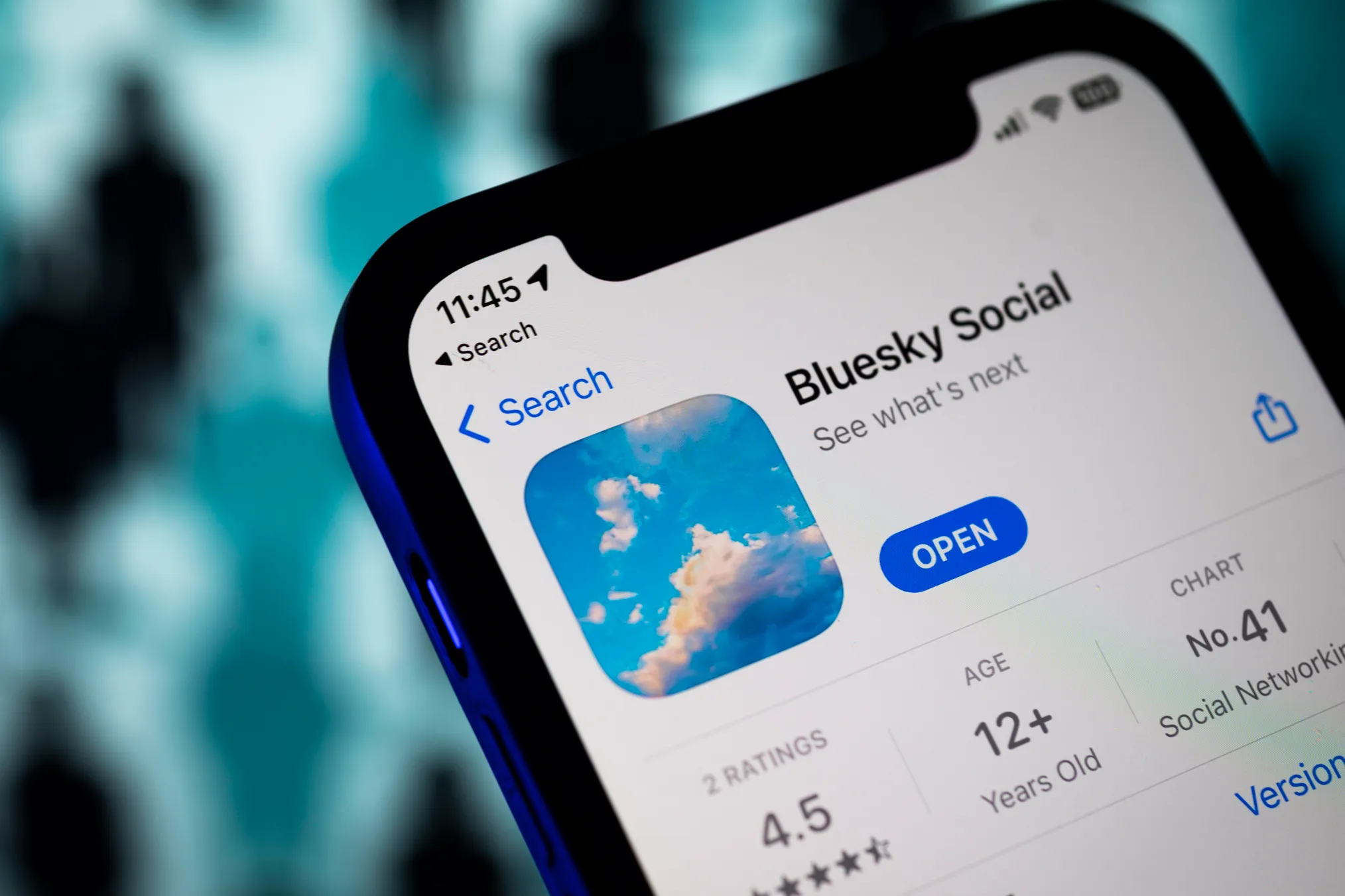
Bluesky, a social network rivalling X and Threads, announced Wednesday that it is rolling out a privacy-focused friend-finding feature. The program connects you with pals from the contacts you’ve saved in your phone’s address book, but only if both of them have consented. The Find Friends featured introduced by Bluesky is an opt-in solution for finding contacts that prioritises user privacy and does away with automated invite spam.
In its statement, the business stated, “Contact import has always been the most effective way to find people you know on a social app, but it’s also been poorly implemented or abused by platforms.” “Even with encryption, phone numbers have been sold to spammers, leaked or brute-forced, or utilised by platforms for questionable purposes. We created a radically more secure method that safeguards your data because we were unwilling to take that chance.
In the past, social apps frequently employed contact matching as a method for generating leads. That instance, the app would suggest that you “add” friends if it discovered that they were not using its service. The friend would then receive a text invitation from this. However, this app spam is usually not appreciated by people who receive it.
Unfortunately, because at least some of the invited individuals would download and try the app out of curiosity, the strategy has been successful for a long time and helped apps become viral. However, even while this approach may generate some initial excitement, it is not a surefire technique to retain people over time. (However, when the market is open to M&A, it might assist a social app find a way out!)
Bluesky claims that even if you decide to upload your address book to its service, it won’t automatically send invitations to your contacts.
Rather, it enables users to send a direct invitation to a friend; nevertheless, this is a conscious, manual activity that the user must perform. (However, as these are private messages from a friend, you are unable to decline invitations.)
Before uploading your contacts to use the Find Friends feature, you must first input the six-digit code that was issued to you via SMS to confirm your phone number. According to the corporation, this stops malicious actors from uploading random numbers in an attempt to obtain information about Bluesky subscribers.
As more Bluesky users submit their own contacts to be matched, more people will start to appear on this screen. However, early adopters should be aware that contact matching may take some time. Only if you and your friend are in each other’s address books will you be paired with a friend.
You can just decide not to utilise the feature if you would like not to be discovered by people you know in real life or at work.
According to Bluesky, uploaded contact details are kept in hashed pairs, which combine your number with the number of each contact. The company says this makes it more difficult to reverse engineer the data. The encryption of the data is linked to a hardware key that is kept apart from the Bluesky database. You can opt out and remove your uploaded contacts if you subsequently wish to delete your data from Bluesky. In order to gather input prior to introduction, the technology’s details were previously released as an RFC to the security community.
The limitation of this new feature is that Bluesky won’t send a personal text message on your behalf if you want to invite someone who isn’t on the service yet. Also too until more of their personal contacts sign up for the system, early adopters might see sluggish match results.
Users of Bluesky in Australia, Brazil, Canada, France, Germany, Italy, Japan, the Netherlands, South Korea, Spain, Sweden, the United Kingdom, and the United States can now access the feature.
Here is a guide to using this feature.
First, open the Bluesky mobile app and select Settings.
Then proceed to select “Find friends from contacts”.
Proceed to entering the SMS code to verify your phone number.
Finally proceed to find matches, user can choose to upload your address book.
We use cookies to ensure that we give you the best experience on our website. If you continue to use this site we will assume that you are happy with it.