The data table functionality has been added to NotebookLM, the company announced this late on Thursday. The Google enhanced feature has NotebookLM with Data Tables and increased Export Support to enhance users’ ability to organise and disseminate research findings. The company’s AI-powered research platform now allows users to arrange information into data tables. These tables can be exported to Google Sheets, which can be transformed into Microsoft Excel spreadsheets, according to Google. Some Google AI subscription tiers are presently receiving the new capability. The capacity to export Notes and Reports to other file formats, such as Google Docs and Sheets, is another feature being added to NotebookLM.
For the Data Tables its shows how users can now create structured tables using unstructured data from sources (such as meeting transcripts, PDFs, or web pages). The Tables can be arranged according to user-specified categories, such as priority, owner, cost, date, or location and during the table generating process, users can use custom prompts to provide precise content.
For Export Support, users can generated content can now be directly exported to external productivity programs thanks to new options for group editing and additional analysis, data tables can be transferred straight to Google Sheets. For Notes and Reports users can now export generated reports (such as Study Guides or Briefing Docs) and saved notes to Google Docs and Sheets and lastly for cross-platform compatibility which can be used for offline purposed, for exported sheets which can be downloaded as Microsoft Excel spreadsheets.
Data tables are now supported in Google Labs’ NotebookLM, the tech giant’s platform for launching new experimental AI services. This implies that users will now be able to arrange data for comparative study in a tabular format. The information will be categorized based on individual user preferences and ordered by user-defined priority. For now, the feature is limited to Google AI Pro and Google AI Ultra subscribers only, though Google said it plans to expand access to all users in the coming weeks, this might be next year though as the year is fast coming to an end.
NotebookLM users will also be able to turn meeting transcripts into tables using Data Tables. Additionally, it will enable users to “synthesise” data from several research articles while keeping track of the study’s years, sample sizes, and statistics. The data tables can then be exported and edited in Google Sheets before being downloaded into Microsoft Excel files.
In a separate post on X on Friday, NotebookLM revealed that the AI research platform will now allow users to export their Notes and Reports into Google Sheets, Google Docs, and source code. According to the corporation, the capability lets users alter files “on-the-go” and makes them easily accessible.
Users can access it by going to Studio Panel, clicking on the ellipses next to Study Guide, Briefing Docs, or Saved Notes, and then choosing one of the alternatives.
Google’s most recent announcement follows NotebookLM’s upgrade with new Slide Decks and Chat History features. Chat History allows users to read the context and resume discussions from where they left them. It is accessible to all mobile and web users. However, users can now edit their current presentation slides and turn storybooks into documents and films with NotebookLM’s Slide Decks.
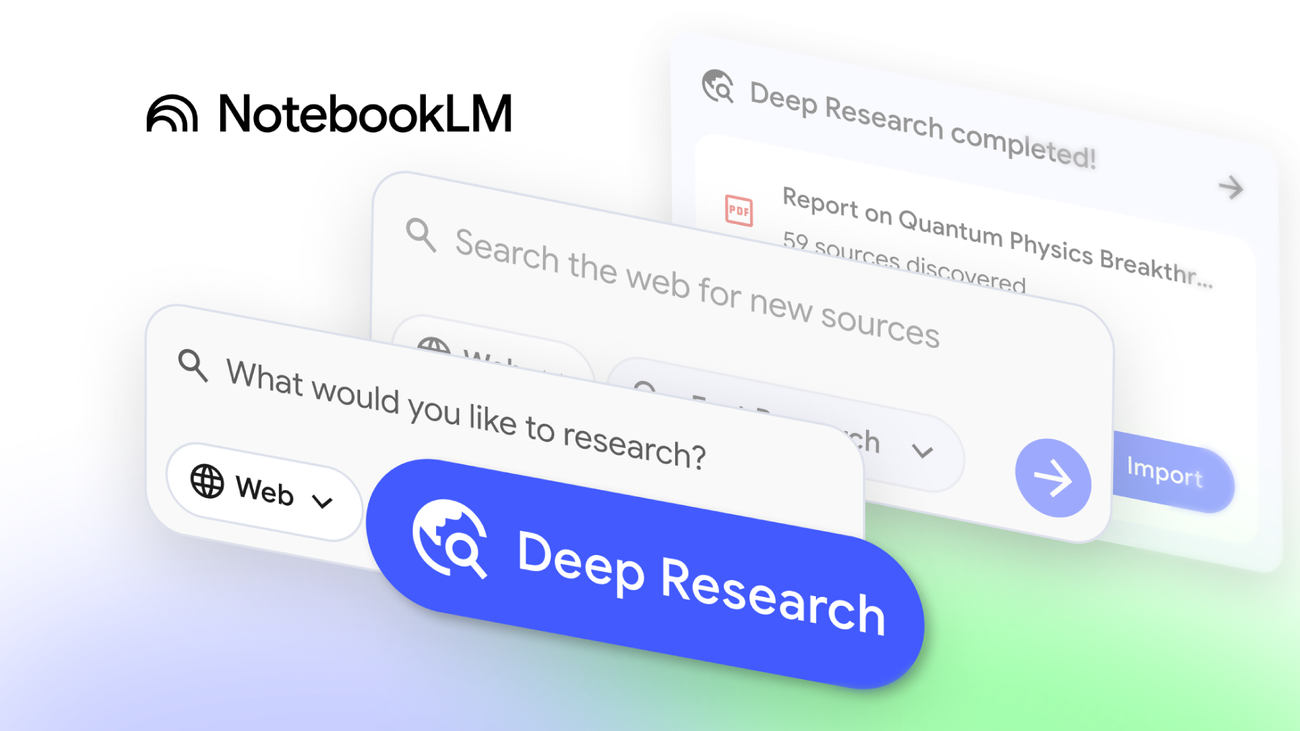
These additions features come after previous noteworthy 2025 improvements, such as the introduction of specialised mobile apps, interactive Audio Overviews, and Deep Research capabilities.
We use cookies to ensure that we give you the best experience on our website. If you continue to use this site we will assume that you are happy with it.