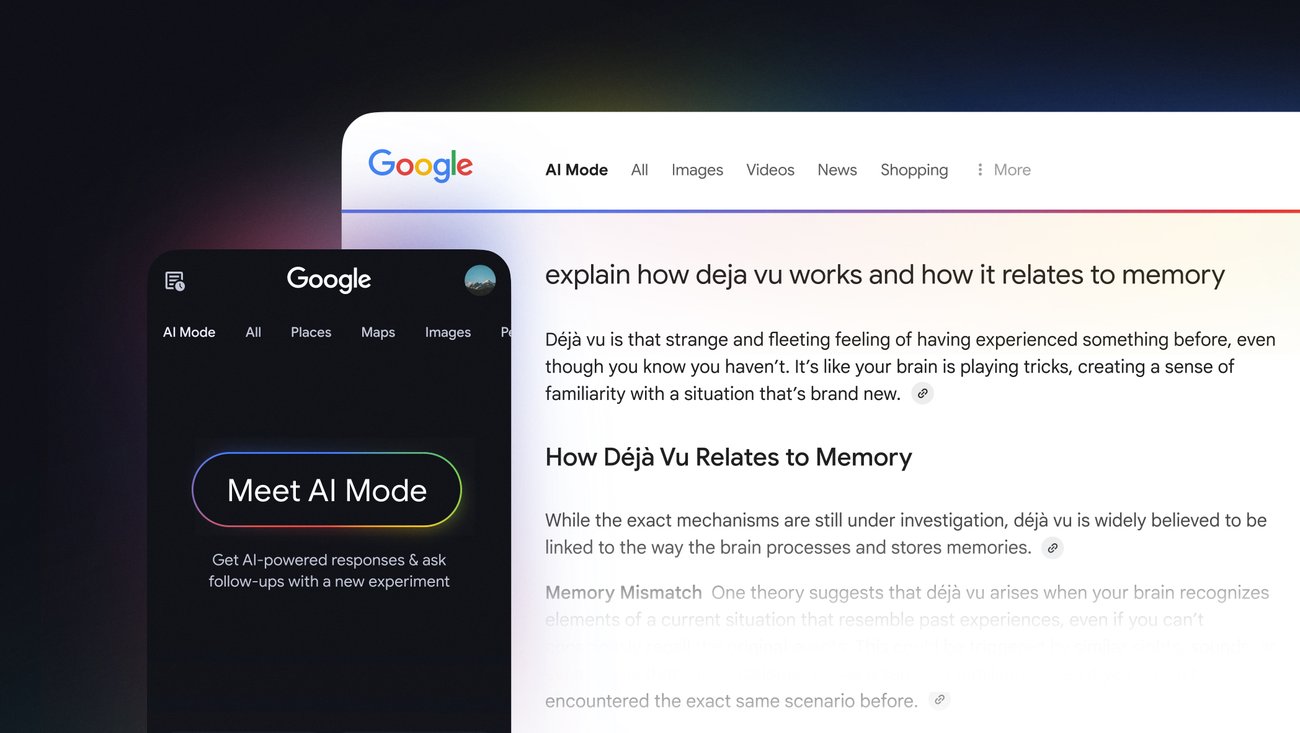
A newer version of Google’s AI Mode tool that operates directly within the Google Chrome browser is said to be tested. From a recent post, the new experience makes it easier for users to utilise the tool because they don’t have to first open the Search page option tap. Also according to reports, the new interface was discovered in the most recent Chrome Canary build. It opens via an internal address, suggesting that Google Search is not powering this feature. In the same window, users can also upload files or photographs, ask questions, and get responses thanks to this functionality.
Windows Report claims that the revised AI Mode now launches in Chrome as a “Contextual Tasks” page. According to reports, users can upload PDFs or photos, enter queries, and even ask the AI to assess text or summarise documents right within the browser. Users were previously sent to a Google Search results page by AI Mode, but the experience is now self-contained.
Even beta testers won’t be able to access the new version because the magazine discovered it in the most recent Chrome Canary release. When Windows Report tested the app’s code, it discovered that the native AI also included more functions that aren’t present in the Search version.
For example, the tool was able to accurately describe the webpage without accessing another webpage when an open tab was chosen and the AI Mode was asked about it. This implies that the tool can now access these tabs and assist users with questions related to them. OpenAI’s ChatGPT Atlas and Perplexity’s Comet browser are comparable in this regard.
The in-browser AI will be able to retrieve and analyse users data from the tabs that are currently open, enabling more context-aware responses and the capacity to summarise several webpages.
Users should be able to upload files and create graphics in the version under test, indicating more sophisticated capabilities than just text enquiries.
Also the search box (omnibox) on the New Tab page will display a shortcut for AI Mode, giving users easy access to the feature.
In addition, according to the source, this version may generate images using Nano Banana (or Nano Banana Pro, depending on whether the user has an active Google AI Pro/Ultra membership). The testers did not need to launch Search or any other tool in order to create photos within the internal site.
According to the study, the interface displays placeholder language like “[i18n] Ask Google…” in certain portions of the exposed experience, making it appear unfinished. It’s also said that several functionalities aren’t functioning consistently. But this might be because the functionality is still being developed or isn’t reliable enough.
Google’s ambition to include AI, particularly Gemini models, into search and browsing includes this internal experiment. AI features are already available in Chrome thanks to Google. These include Gemini Nano’s improved security and the omnibox’s ability to ask enquiries about the current site.
Increased browser AI integration worries some publishers and website owners because it may result in fewer people visiting other websites. Summaries produced by AI may be adequate for users.
The main aim is to allow the AI to perform complicated, multi-step operations on the user’s behalf, including ordering groceries or making travel plans, with user approval for sensitive actions.
This feature doesn’t have a release date. Right now, it is in the Canary channel experiment.
Paul Balo is the founder of TechBooky and a highly skilled wireless communications professional with a strong background in cloud computing, offering extensive experience in designing, implementing, and managing wireless communication systems.
We use cookies to ensure that we give you the best experience on our website. If you continue to use this site we will assume that you are happy with it.