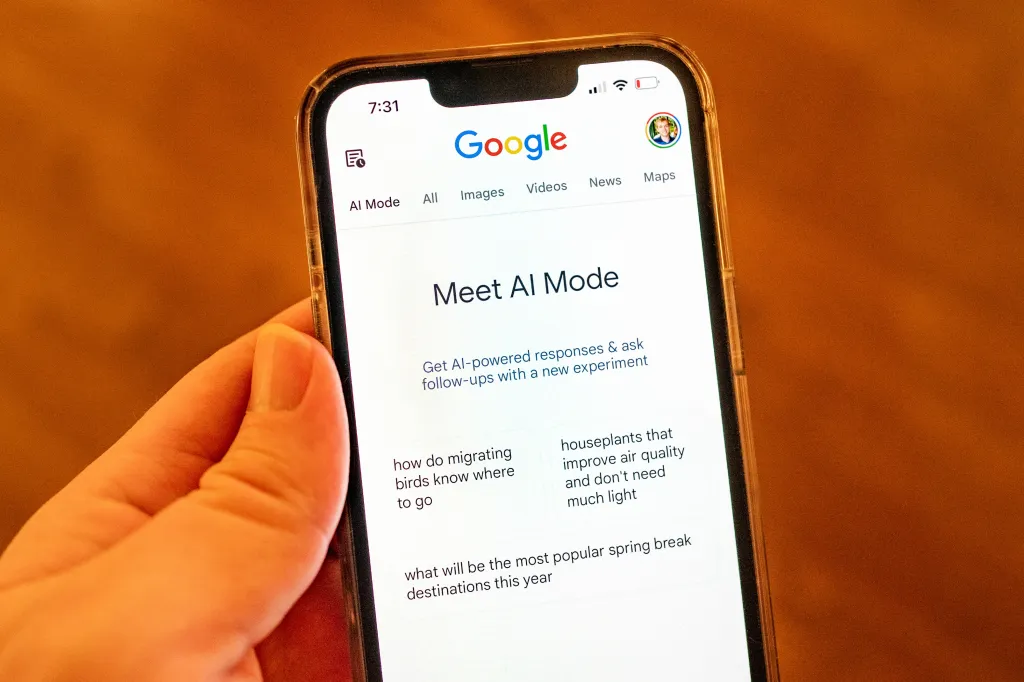
After initially introducing the features that are part of its Google Labs tests last year, Google has now made Canvas in AI Mode available to all users in the United States in English.
Earlier today, Google formally released Canvas in AI Mode to all US users in English. This project-ready workspace, which was previously only available for Search Labs trials, is now immediately incorporated into Google Search.
Canvas in AI Mode is intended to assist users in planning and organising projects or conducting more in-depth research. According to a blog post from the firm, the functionality now allows users to generate papers or create bespoke tools within Google Search.
In the past, Google recommended using Canvas for tasks like creating a study guide by uploading class notes and other sources. The feature can also accomplish other tasks like converting a research report into a web page, quiz, or audio summary, which is somewhat similar to Google’s research tool Notebook LM.
Canvas allows users to describe an idea and watch as it creates the code needed to turn it into a game or app that can be shared. Additionally, the capability can be used to obtain project feedback and improve creative writing drafts.
Canvas is already accessible in Gemini, where members of Google AI Pro and Google AI Ultra have access to Gemini 3, the most recent model, and a broader context window of one million tokens for more complicated tasks.
Now that Canvas is accessible to all American users via Google’s AI search function, AI Mode, more individuals will be introduced to it, including those who haven’t yet experimented with Gemini’s features. One of Google’s advantages in the AI competition is that it can reach billions of users with its products thanks to Google Search.
When using Canvas, users explain what they want to produce after choosing the new Canvas option from the tool menu (+) while in AI Mode. This brings up a Canvas side panel where users can compile data from Google’s Knowledge Graph and the internet. When developing a prototype or application, users can talk with Gemini to test its functioning, toggle to view the underlying code, and improve how it operates.
Similar programs from competitors like OpenAI and Anthropic compete with Canvas. However, Google and Anthropic’s Claude require more direct participation, whereas ChatGPT’s Canvas feature is activated automatically based on the inquiry. Additionally, both enable users to turn ideas into projects or receive writing assistance.
Important things to know about the features of Canvas in AI Mode:
Integrated Workspace: Goes beyond straightforward prompt boxes to a dynamic side panel that lets users arrange information and plans across several sessions without ever leaving Search.
Creation Tools: Facilitates the creation of bespoke interactive tools or prototypes from prompts, as well as the authoring of papers and creative writing.
Coding & Apps: With an integrated code view for manual editing, users may describe a concept and see Canvas produce the code required to turn it into a shareable app or game.
Project Organisation: Designed for intricate activities like translating research findings into quizzes or web pages, making vacation plans, or developing study aids from submitted notes.
With interactive refinement, you can ask follow-up questions, request changes, or undo or redo certain operations by highlighting particular text or elements in the workspace.
We hope this Canvas in AI Mode will be made available globally in the coming days to all users.
We use cookies to ensure that we give you the best experience on our website. If you continue to use this site we will assume that you are happy with it.