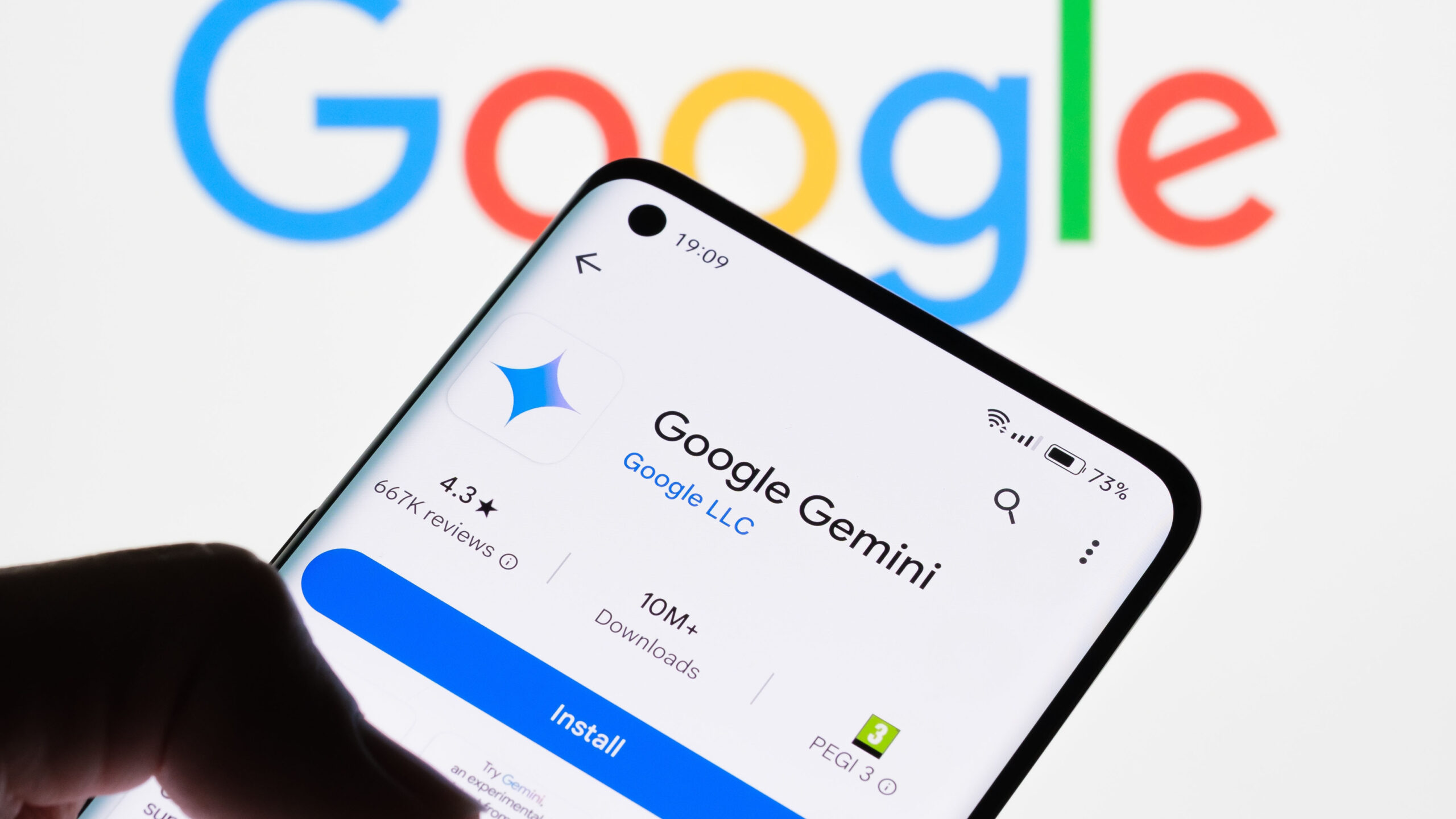
Google is giving its Gemini app a complete makeover, and the changes could make it much easier for people to actually use all the features the company has been quietly adding over the past year. Josh Woodward, the Product Lead Development team for Gemini, shared the news on social media, revealing that the team is working on a fresh interface that will make the app’s impressive capabilities more accessible to everyday users.
The current Gemini app has a problem that many people don’t realize. While Google has packed it with powerful features, many of these tools are buried in menus or hidden behind options that casual users rarely discover. It’s like having a Swiss Army knife but only using the main blade because you didn’t know all the other tools were folded inside. The upcoming redesign aims to change that by bringing these capabilities front and centre.
Think of it this way; you might have been using Gemini for simple questions or quick searches, completely unaware that it can analyse documents, create detailed reports, help with coding projects, or even plan entire trips with interactive maps and schedules. The new interface should make these features obvious and easy to access from the moment you open the app.
Woodward also dropped another interesting piece of news. Google is developing a native Gemini app for Mac computers. Right now, if you want to use Gemini on your Mac, you have to open a web browser and visit the Gemini website. This works, but it’s clunky compared to having a dedicated app installed on your computer.
Why does this matter? OpenAI’s ChatGPT already offers native apps for both Windows and Mac, which creates a smoother, more polished experience. These native apps can do things that web browsers struggle with, like easily uploading multiple files at once, integrating directly with other apps on your computer, and working with files stored locally on your machine. When you’re using a browser version, every action takes a few extra steps, which adds up over time.
As these AI assistants become more capable of handling complex tasks on their own, having a native app becomes even more important. The app can work directly with files on your computer and connect seamlessly with other programs you’re using. For example, ChatGPT’s native Mac app can integrate with apps like Notion, Terminal, and Apple Notes, making it feel like a natural part of your workflow rather than something separate you have to switch to.
Google clearly recognizes this gap, which explains why they’re working on the Mac app. There’s no official release date yet, but considering how quickly Google has been rolling out Gemini updates lately, it probably won’t be a long wait. The company has been on a tear with improvements, releasing new features and capabilities almost monthly.
The timing of this redesign is also significant. Google recently unveiled Gemini 3, its most advanced model yet, which brings better reasoning abilities and improved understanding of images, audio, and video. The app also got new experimental features like visual layouts that create interactive responses with photos and modules you can customize, and dynamic views that actually design and code custom interfaces based on your specific request.
For example, you could ask Gemini to plan a three-day trip to Rome, and instead of just getting a text list, you’d receive a visual itinerary to explore and adjust based on your desired interests. Or you could request an explanation of Van Gogh’s gallery with life context for each piece, and Gemini would create an interactive experience where you can tap and scroll through the paintings.
These are powerful features, but they’re not very useful if people don’t know they exist or can’t figure out how to access them. That’s the core problem the redesign is trying to solve. Google wants to make sure that when you open the Gemini app, you immediately see what’s possible and can start using these advanced capabilities without hunting through settings or accidentally stumbling upon them.
The redesign has already started rolling out in some areas. The app now has a cleaner, more modern look with a feature called My Stuff that organizes all the images, videos, and reports you’ve created. Google has also dramatically improved the shopping experience by bringing product listings, comparison tables, and prices directly into the app from Google’s massive shopping database, which includes more than fifty billion product listings.
Another major addition is Gemini Agent, currently available for premium subscribers. This feature can handle complicated, multi-step tasks on your behalf by connecting to the Google apps. Users can tell it to organize your inbox, and it will prioritize your messages and draft replies for your approval. Or you could give it specific instructions like finding and booking a mid-size rental car for your trip next week under eighty dollars per day using details from your email. Gemini will locate your flight information, compare rentals within your budget, and prepare everything for booking.
Beyond the Mac app, Google is also reportedly working on a native mobile app for iPhone and Android called Build Anything, which is linked to Google AI Studio. According to the person leading that project, this app might still be a while away from launch, but it shows how seriously Google is taking the need for native applications across all platforms.
The big picture here is that Google is responding to growing competition in the AI assistant space. ChatGPT has set a high bar for user experience with its native apps and polished interface. Microsoft’s Copilot has been steadily improving and integrating across Windows and Office products. Google has the advantage of already owning popular services like Gmail, Maps, Calendar, and Drive, which means Gemini can potentially offer deeper integration with tools people already use every day.
But integration only matters if people can actually figure out how to use it. That’s what makes this redesign so important. Google isn’t just adding more features or making the AI smarter, though they’re doing that too. They’re fundamentally rethinking how people interact with the app to make sure all that power and intelligence is actually accessible and useful in everyday situations.
For users, the changes should mean less hunting around for features and more straightforward access to helpful capabilities. Whether you’re a student needing help with homework, a professional managing projects and emails, or someone just trying to plan a vacation, the new Gemini interface aims to make it immediately obvious how the app can help you accomplish your goals.
As the AI assistant market heats up with constant improvements from multiple companies, Google’s focus on making Gemini more approachable and easier to use could be just as important as making it more powerful. After all, the smartest assistant in the world isn’t very helpful if people can’t figure out how to ask it the right questions or don’t even know what it can do for them.
The features are purportedly being tested, with elements surfacing in recent app codebases and server-side tests.
We use cookies to ensure that we give you the best experience on our website. If you continue to use this site we will assume that you are happy with it.