• AI Search
  • Cryptocurrency
  • Earnings
  • Enterprise
  • About TechBooky
  • Submit Article
  • Advertise Here
  • Contact Us
TechBooky
  • African
  • AI
  • Metaverse
  • Gadgets
Generic selectors
Exact matches only
Search in title
Search in content
Post Type Selectors
Search in posts
Search in pages
  • African
  • AI
  • Metaverse
  • Gadgets
Generic selectors
Exact matches only
Search in title
Search in content
Post Type Selectors
Search in posts
Search in pages
TechBooky
Generic selectors
Exact matches only
Search in title
Search in content
Post Type Selectors
Search in posts
Search in pages
Home Security

How to Set Up WhatsApp Passkeys and Ditch SMS Codes

Paul Balo by Paul Balo
July 8, 2025
in Security, Social Media, Tips
Share on FacebookShare on Twitter

Remember the six-digit code WhatsApp texts you every time you set up a new phone—or worse, when a SIM-swap scammer tries to? As of late 2023 on Android and April 2024 on iOS, you can skip that ritual for good by switching to passkeys. A passkey is a tiny pair of cryptographic keys: one lives safely on your device (inside Google Password Manager or iCloud Keychain), the other sits on WhatsApp’s server. When you log in, your phone simply proves it holds the matching key with Face ID, Touch ID, fingerprint, or your device PIN—no SMS, no phishing window.

Below is a step-by-step guide you can finish just before you can finish that cup of coffee. 

1. Update WhatsApp

  • Android: Play Store › Manage apps › WhatsApp › Update
  • iOS: App Store › Profile icon › Pending Updates › WhatsApp

Passkeys require version 2.23.21.12 or later on Android and 24.7.10 or later on iOS.

2. Create your passkey (Android)

  1. Open WhatsApp › ⋮ (three dots) › Settings
  2. Tap Account › Passkeys › Create passkey
  3. Hit Continue and confirm with your screen-lock (fingerprint, face, or PIN)
  4. Android saves the credential to Google Password Manager; it syncs to any phone where you’re logged in.

3. Create your passkey (iPhone)

  1. Open WhatsApp › Settings
  2. Select Account › Passkeys › Create passkey
  3. Approve with Face ID / Touch ID / Passcode
  4. The key is stored in iCloud Keychain and travels automatically to other Apple devices.

4. Log in the next time—no SMS required

  • Install WhatsApp on a new handset.
  • Enter your phone number; instead of a text, the app pops a “Verify with passkey” prompt.
  • Unlock your phone once—done. WhatsApp matches the cryptographic keys behind the scenes.

(If you ever lose every device tied to the passkey, you can still fall back to the classic SMS flow.)

5. Keep two-step verification ON

Passkeys replace the SMS/voice registration code, not the six-digit two-step-verification PIN you may have set earlier. Keep that PIN; it adds another hurdle for SIM-swappers and rogue re-registrations.

Why bother?

Pain point killedHow passkeys fix it
SIM-swap fraud & phishing linksKeys never leave your phone and won’t unlock on look-alike domains.
Roaming with no cellular signalBiometric unlock works offline; no waiting for a text that never comes.
Slow multi-device setupOne touch instead of typing a 6-digit SMS on each device.
Password reuse riskThere’s literally no password to steal, leak, or reuse.

Meta also plans to let the same WhatsApp passkey unlock Messenger and autofill Meta Pay checkouts later this year, broadening its value.

Frequently asked

  • Can I delete or change a passkey?
    Yes. Go back to Settings › Account › Passkeys—delete, then create a new one.
  • Does it break chat backups or encrypted chats?
    No. End-to-end encryption, backup passwords, and Chat Lock all work the same.
  • What if I still need SMS codes?
    Passkeys are opt-in. You can keep SMS as backup or skip passkeys entirely—your choice.


Five taps and one fingerprint scan are all it takes to retire SMS login codes on WhatsApp. You get faster sign-ins, iron-clad protection against phishing, and zero dependence on your phone carrier—exactly the upgrade most users say they want. Do it once, and the next time you switch phones, you’ll wonder how you ever lived with copy-and-paste codes.

Related Posts:

  • English_WhatsApp_passkey-encrypted-backups-1
    WhatsApp Adds Passkey Protection for Encrypted Backups
  • 3a8e75a5-3c1a-45cd-ae8e-b2024718e527
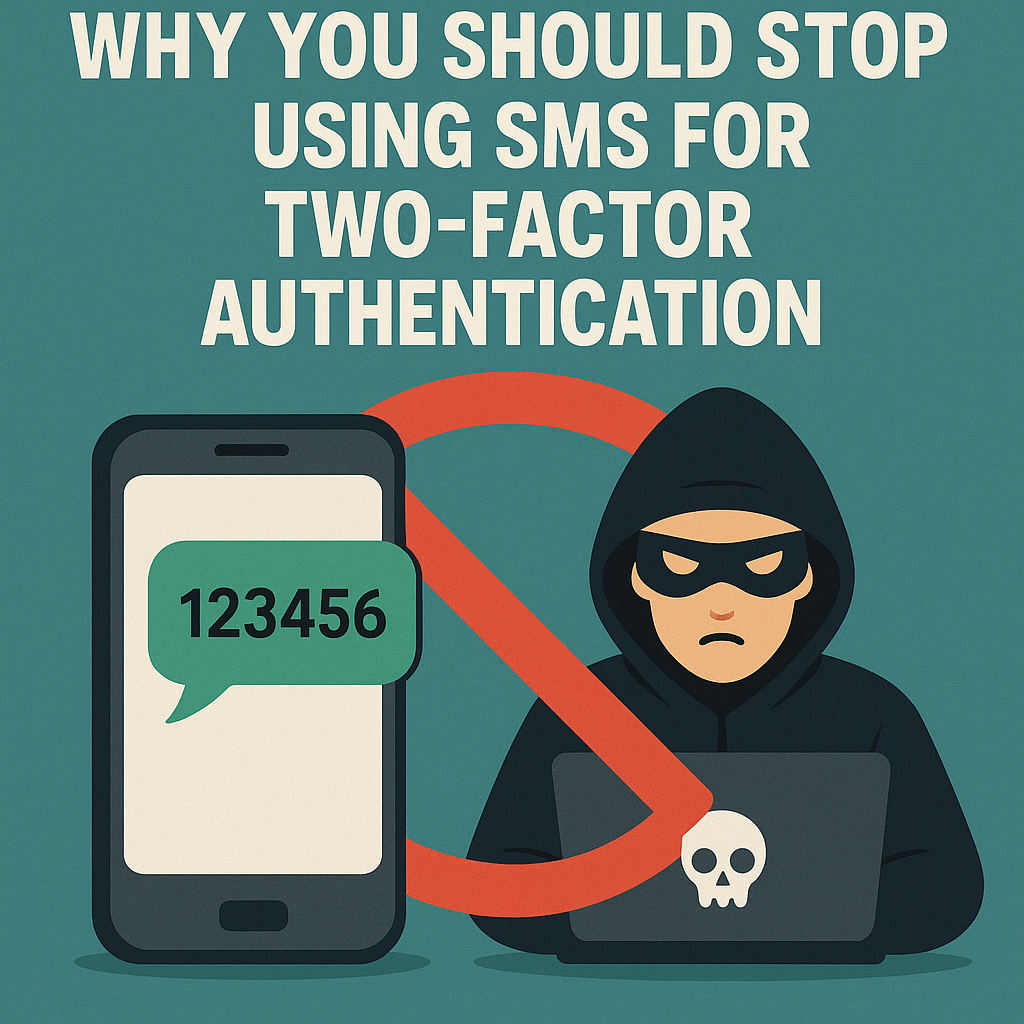
    Why You Should Stop Using SMS for Two‑Factor Authentication
  • Microsoft_passwordless
    Microsoft Will Roll Out Passkey Support For All Consumers
  • passkey-sync
    Google Begins Rollout Of Passkeys Across Its Services
  • key-visual2
    Google Password-less Sign-in Standard Introduces…
  • twostep
    Google Sign in Will Require 2FA Verification
  • English_WhatsApp_Chat_Transfer
    WhatsApp Has Introduced A QR Code Chat Transfer Feature
  • Microsoft Unveils New Surface Laptop
    Microsoft Plans Password Deletion for 1 Billion Users

Discover more from TechBooky

Subscribe to get the latest posts sent to your email.

Tags: Passkeysecuritytipswhatsapp
Paul Balo

Paul Balo

Paul Balo is the founder of TechBooky and a highly skilled wireless communications professional with a strong background in cloud computing, offering extensive experience in designing, implementing, and managing wireless communication systems.

BROWSE BY CATEGORIES

Receive top tech news directly in your inbox

subscription from
Loading

Freshly Squeezed

  • iOS 27 Reportedly Adds New Apple Intelligence Photo Editing Tools April 29, 2026
  • Jack Dorsey-backed Divine brings Vine’s Six‑second Loops Back to Life April 29, 2026
  • Elon Musk Takes The Stand In High-Stakes OpenAI Trial Against Sam Altman April 28, 2026
  • Ethiopia’s Dodai Secures $13 Million to Scale Battery-Swapping EV Network April 28, 2026
  • OpenAI Revenue Growth Misses Expectations as Costs Surge, Report Says April 28, 2026
  • EU Pressures Google To Open Android’s AI To Rivals, Google Calls It “Unwarranted” April 28, 2026
  • Airtel Money links with Absa Bank Kenya to court SME payments April 28, 2026
  • China Blocks Meta’s $2B Manus Deal After Months Of Review April 27, 2026
  • Nigeria Lifts $32.8M Meta Fine For Privacy Breach, Raising Questions About Enforcement Trust April 27, 2026
  • Microsoft and OpenAI Restructure Partnership, End Revenue Sharing and Exclusivity April 27, 2026
  • Microsoft & Meta Reveal Large Layoffs Despite Massive AI Investment April 24, 2026
  • China’s DeepSeek Finally Launches A New AI Model April 24, 2026

Browse Archives

April 2026
MTWTFSS
 12345
6789101112
13141516171819
20212223242526
27282930 
« Mar    

Quick Links

  • About TechBooky
  • Advertise Here
  • Contact us
  • Submit Article
  • Privacy Policy
Generic selectors
Exact matches only
Search in title
Search in content
Post Type Selectors
Search in posts
Search in pages
  • African
  • Artificial Intelligence
  • Gadgets
  • Metaverse
  • Tips
  • AI Search
  • About TechBooky
  • Advertise Here
  • Submit Article
  • Contact us

© 2025 Designed By TechBooky Elite

Discover more from TechBooky

Subscribe now to keep reading and get access to the full archive.

Continue reading

Chat with TechBooky AI
💬
TechBooky AI ✕
We use cookies to ensure that we give you the best experience on our website. If you continue to use this site we will assume that you are happy with it.