Following the launch of iOS 26.2 and macOS 26.2 over the past few days, Apple is now introducing iPadOS 26.2 to millions of its iPads users globally. All iPads user devices that runs on iOS 26 are fully compatible with the latest update.
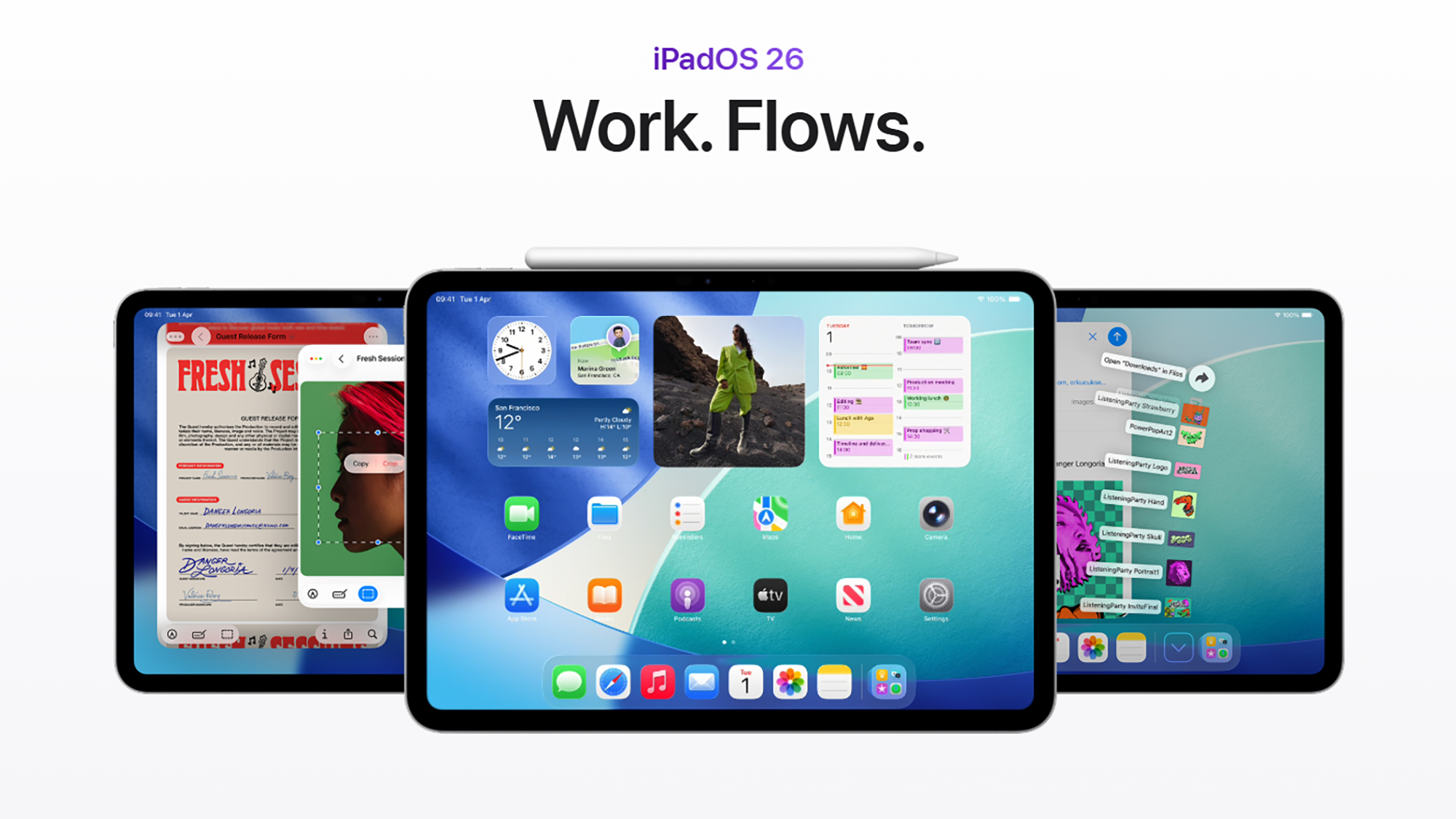
And with the return of the user-friendly drag-and-drop motions for Split View and Slide Over windows, iPadOS 26.2 greatly improves multitasking. For a more seamless user experience, the current windowing system incorporates these well-liked features.
With the standout feature, as noted by 9to5Mac, is a improved approach to multitasking. The improvement was initially introduced with iPadOS 18 last year but was later removed when iPadOS 26 rolled out.
The ability to move an app icon from the dock or from your Spotlight results into a Slide Over or Split View multitasking configuration is back.
It simply simplifies the process of using many programs on the same screen, in essence multitasking with multiple apps on a single screen more easy.
App icons can be moved to the left or right edge, based on users preference, of the screen to open a Slide Over panel, on top of other app windows to create a side-by-side arrangement, or on top of an already-existing Slide Over panel to replace the app.
The iPadOS 26.2 update also includes table support in the Freeform app, additional customisation choices for Liquid Glass on the lock screen, and a new ‘urgent alert’ function for Reminders.
For the AirDrop Codes features too, there is a brief 30-day period, in which a new verification code function gives an additional degree of protection and simplicity when exchanging files with unidentified contacts.
AI-generated chapters are one of the Podcasts app’s upgrades, and Apple Music now supports offline lyrics. You may filter games that are already in your library and locate new games using improved discovery tools in Apple Games.
Also in terms of the accessibility features introduced, which is also an addition to the current camera LED flash option, a new feature under accessibility settings enables the device screen to flash when a notification is received.
Additionally, Apple News has undergone significant design tweaks that should facilitate navigating its many sections and articles. As one might anticipate, many of these enhancements correspond with the updates in iOS 26.2.
Users should soon see the free iPadOS 26.2 appear on your tablet because it is currently been introduced out. If it hasn’t appeared yet, users may check to see if the new version is waiting by opening Settings and selecting General > Software Update.
We use cookies to ensure that we give you the best experience on our website. If you continue to use this site we will assume that you are happy with it.