• Archives
  • Cryptocurrency
  • Earnings
  • Enterprise
  • About TechBooky
  • Submit Article
  • Advertise Here
  • Contact Us
TechBooky
  • African
  • AI
  • Metaverse
  • Gadgets
Generic selectors
Exact matches only
Search in title
Search in content
Post Type Selectors
Search in posts
Search in pages
  • African
  • AI
  • Metaverse
  • Gadgets
Generic selectors
Exact matches only
Search in title
Search in content
Post Type Selectors
Search in posts
Search in pages
TechBooky
Generic selectors
Exact matches only
Search in title
Search in content
Post Type Selectors
Search in posts
Search in pages
Home Security

KB5070311 Update Resolves File Explorer and Search Bugs

Akinola Ajibola by Akinola Ajibola
December 2, 2025
in Security
Share on FacebookShare on Twitter

Microsoft has rolled out the KB5070311 preview cumulative update for Windows 11, bringing 49 changes, including fixes for File Explorer freezes and search problems.

KB5070311 is an additional preview update that is delivered at the end of each month, allowing IT administrators to test Windows bug fixes, upgrades, and new features that will be available in next month’s Patch Tuesday release.

Unlike the Patch Tuesday cumulative updates, monthly non-security preview releases solely contain quality enhancements and do not include security fixes.

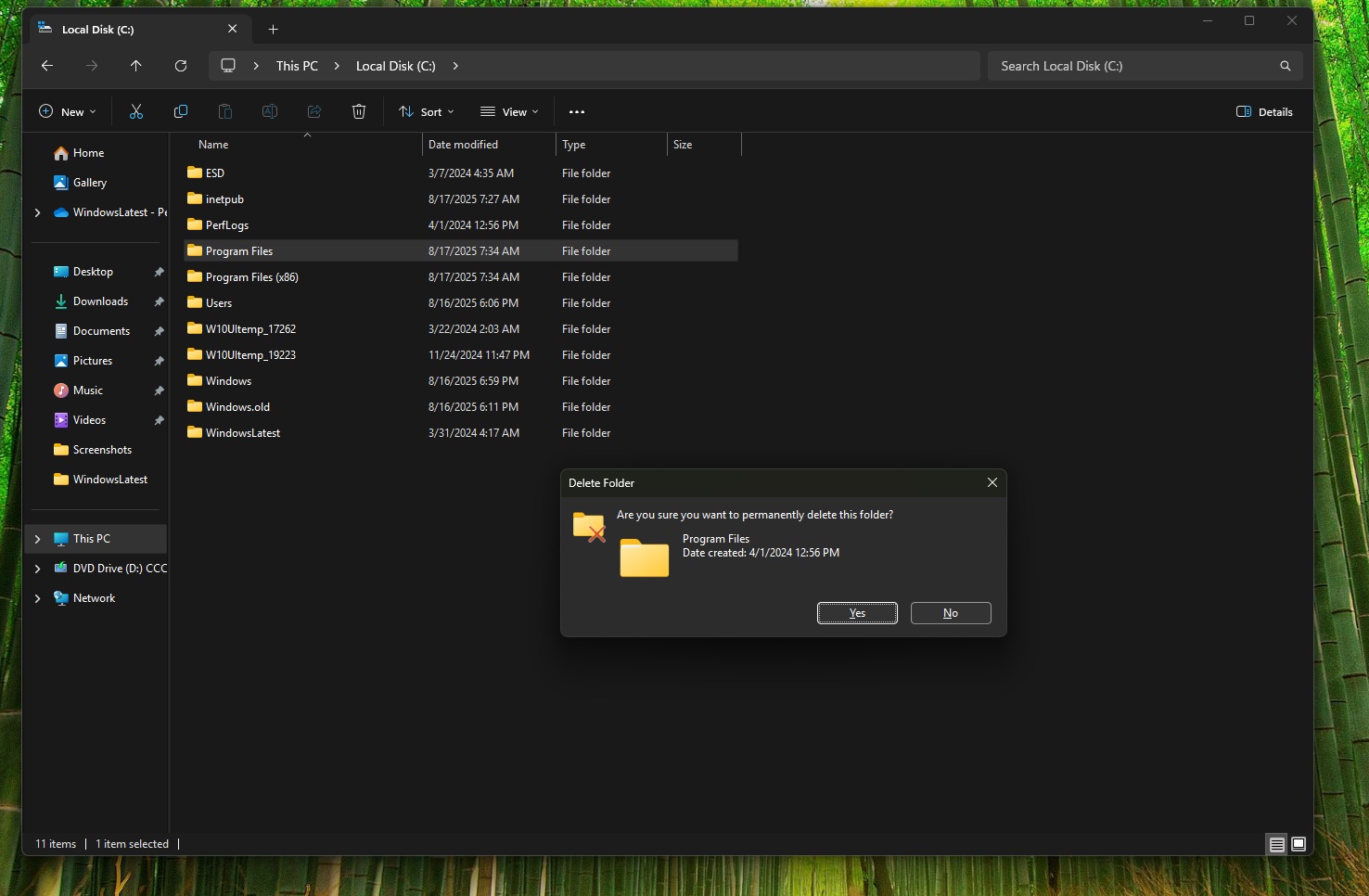
Microsoft resolved a reported issue that occurred after installing the most recent updates, causing the explorer.exe process and the taskbar to cease responding after certain notifications, with the November optional update KB5070311.

It also addresses File Explorer search issues on certain SMB shares and an LSASS instability caused by an access violation.

To install KB5070311, go to Settings, select Windows Update, and then click ‘Check for Updates.’ Because this is an optional update, you will be invited to install it by clicking the ‘Download and Install’ button. After obtaining the preview update from the Microsoft Update Catalogue, you can manually install it.

After installation, this optional non-security preview update will upgrade Windows 11 25H2 and 24H2 devices to builds 26200.7309 and 26100.7309, respectively.

The preview version for November 2025 includes further fixes and enhancements, some of which are highlighted below.

The search results menu shows more results, making it easier to find and change your settings. Users can check through all search results by using a scroll bar. 

The Windows Studio Effects, which offers AI-powered camera upgrades, can be used with an external camera, such as a USB webcam or your laptop’s built-in back camera (Copilot + PCs).

When you choose Windows Spotlight as your desktop background, the context menu now contains two options: To discover more about this backdrop and the Next desktop background.

File Explorer now provides a more uniform dark mode experience.

In a separate message centre update, Microsoft stated that it will not provide a preview update in December, but will resume the usual roll-out schedule in January.

The company noted this because of minimal operations during the Western holidays and the upcoming new year, there will be no December 2025 non-security preview update.

“A monthly security update will be provided for December 2025. Regular monthly servicing for both security and non-security preview updates will resume in January 2026.”

Furthermore Microsoft stated that it is continuing working to resolve a known issue identified last week that causes the password sign-in option to disappear from the lock screen settings.

The standalone installer (.msu file) is available for enterprise environments or manual installation via the Microsoft Update Catalogue.

For known Issues which is as a result of the installation of this update, some users have complained that File Explorer may briefly flash white screens when using dark mode. Microsoft is aware of the problem and is working on a solution.

Related Posts:

  • STK_109_WINDOWS_C_84940e2be8
    KB5070311 Update Causes Dark Mode Flash Issue,…
  • windows update
    New Upgrade Policy Announced for Windows Users
  • microsofts-surface-duo-dualscreen-androi-5f1f3d057e8c350ae07dd862-1-jul-28-2020-15-24-20-poster
    Microsoft Patch Tuesday Fixes 63 Bugs, 1 Zero-Day
  • win10-new-1152×648
    Microsoft’s $1.50 Windows Update Fee Kicks In July 1
  • Windows_11
    Microsoft Fixes Windows Certificate Enrolment Bug
  • 8566bb3a-a332-47bd-9234-ab9fe44fc82a
    Microsoft's Quick Test to Fix Non-Booting PCs
  • 1604217-microsoft
    Windows 11 Gets Faster, Cleaner File Explorer in New Update
  • microsoft-copilot-2
    Windows 11 Preview Adds Shared Audio and Taskbar Copilot

Discover more from TechBooky

Subscribe to get the latest posts sent to your email.

Tags: KB5070311microsoftwindows 11
Akinola Ajibola

Akinola Ajibola

BROWSE BY CATEGORIES

Receive top tech news directly in your inbox

subscription from
Loading

Freshly Squeezed

  • OpenAI Details Advertising & Broader AI Access Plan for 2026 January 16, 2026
  • Android 16 QPR3 Beta 2 Now Available for Pixel Phones January 15, 2026
  • Google Increases Gemini 3 Usage Limits With New Version Split January 15, 2026
  • OpenAI’s ChatGPT Translation Tool Takes On Google Translate January 15, 2026
  • Verizon to Compensate Customers After Major 10-Hour Outage January 15, 2026
  • Paystack Joins Banking Industry With Ladder MFB Acquisition January 14, 2026
  • Apple Unveils Creator Studio, New Bundle of Apps for Creators January 14, 2026
  • ChatGPT Health set for upgrade as OpenAI acquires Torch January 14, 2026
  • Alphabet Hits 4 Trillion-Dollar Milestone After Siri Deal January 13, 2026
  • Apple Leverages Google Tech to Improve Siri AI January 13, 2026
  • What is the ATX specification, and where to use different standards January 13, 2026
  • X Limits Grok Image Generation Citing Safety Risks to Minors January 11, 2026

Browse Archives

January 2026
MTWTFSS
 1234
567891011
12131415161718
19202122232425
262728293031 
« Dec    

Quick Links

  • About TechBooky
  • Advertise Here
  • Contact us
  • Submit Article
  • Privacy Policy
Generic selectors
Exact matches only
Search in title
Search in content
Post Type Selectors
Search in posts
Search in pages
  • African
  • Artificial Intelligence
  • Gadgets
  • Metaverse
  • Tips
  • About TechBooky
  • Advertise Here
  • Submit Article
  • Contact us

© 2025 Designed By TechBooky Elite

Discover more from TechBooky

Subscribe now to keep reading and get access to the full archive.

Continue reading

We use cookies to ensure that we give you the best experience on our website. If you continue to use this site we will assume that you are happy with it.