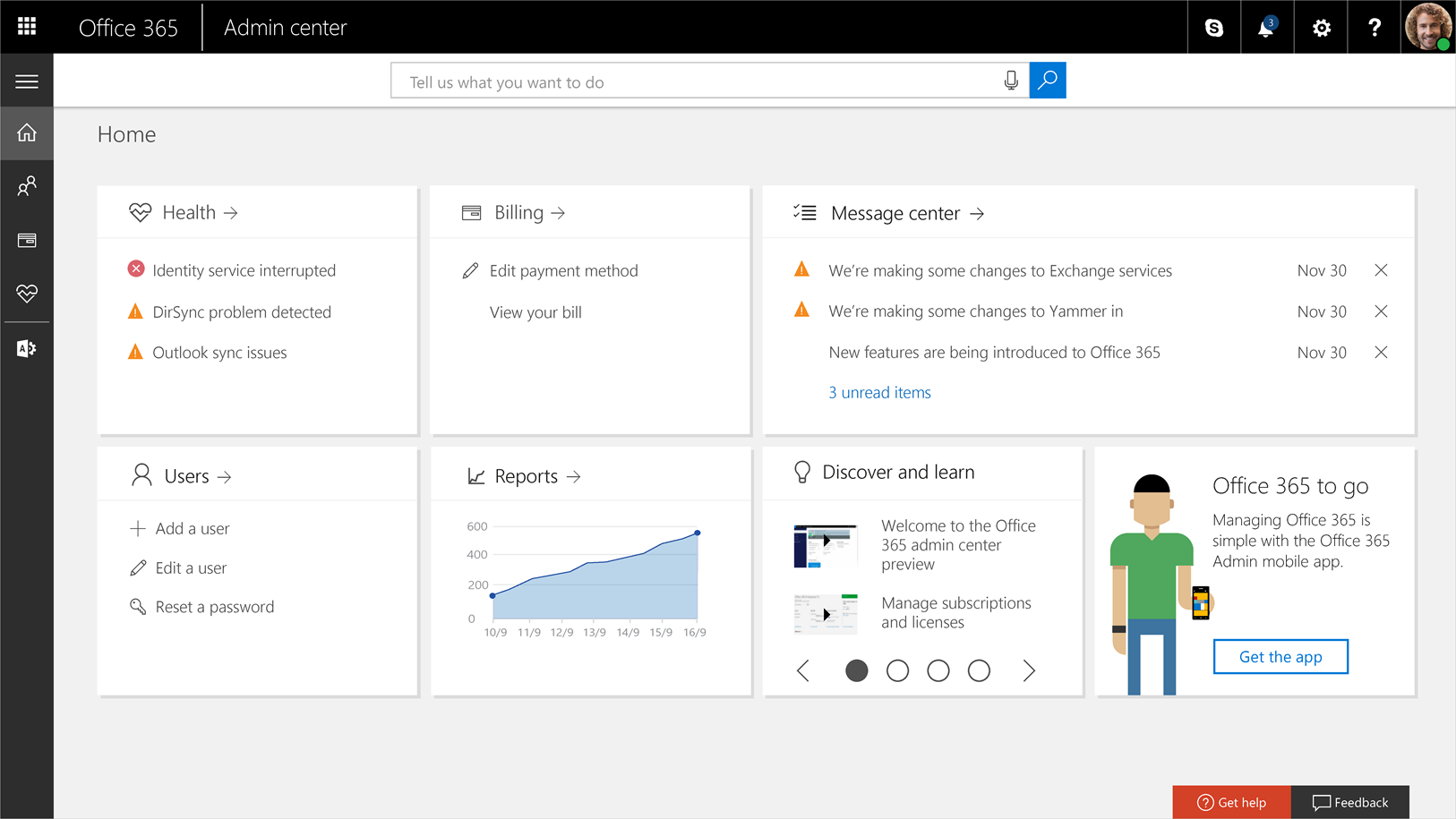
Microsoft is tightening security by introducing mandatory multi-factor authentication (MFA) for Microsoft 365 admin center access starting next month and this is a measure that is a critical component of Microsoft’s Secure Future Initiative to combat credential-based attacks.
Although MFA requirements for the admin centre started to be implemented in February 2025, Microsoft will now enforce this for all users and prevent those who do not have MFA enabled from accessing the Microsoft 365 administrative portal once the update goes live on February 9th, 2026.
Enforcing MFA for all admin centre sign-ins, according to Microsoft, provides crucial security beyond normal password security, making it far more difficult for hackers to access accounts.
MFA is required for all user accounts that access these admin centres, including emergency access (break-glass) credentials. This particular regulation does not yet affect typical customers who utilise standard Microsoft 365 services (such as Teams or Outlook).
Tenants are informed via the Microsoft 365 admin centre Message centre about thirty days before to their specific enforcement date as part of Microsoft’s soft rollout, which started in February 2025.
Microsoft claims that implementing MFA in the Microsoft 365 admin centre significantly reduces the risk of account compromise, prevents unauthorised access, and safeguards sensitive data.
“By adding an extra layer of protection beyond standard username and password authentication, MFA makes it harder for attackers to steal data and prevents unauthorised access from phishing, credential stuffing, brute force, or password reuse attacks.”
Additionally, Microsoft advised administrators to act right now to prevent disruptions to administrative and IT operations, since organisations that do not enable MFA by the February deadline would encounter access disruptions when administrators begin to see sign-in failures.
Global administrators can follow the official manual or use Microsoft’s setup wizard to configure MFA. Through Microsoft’s MFA setup interface, individual users can add authentication options and review their verification methods.
Additionally, from March 2025, Microsoft has enforced MFA for Azure Portal sign-ins for all tenants. This change was first disclosed in May 2024, when Microsoft started requiring MFA for all users logging into Azure to administer resources. In October 2025, it also began implementing MFA on Azure CLI, PowerShell, SDKs, and APIs to safeguard user accounts from intrusions.
According to a November 2023 Microsoft study, 99.99% of MFA-protected accounts successfully thwart hacker attempts, and even in cases when credentials are obtained, MFA lowers the likelihood of account penetration by 98.56%.
In preparation and implementation of this policy, Microsoft has advised administrators to make sure that a minimum of one verification method is configured at aka.ms/mfasetup.
Microsoft also has recommended its supports certificate-based authentication, hardware tokens (like FIDO2), and Microsoft Authenticator push notifications.
MFA is also required for user IDs used for automation (scripts, pipelines) that log into these portals. Moving them to Workload Identities which are not subject to this requirement, which is advised by Microsoft.
Although the last hard deadline for many tenants is reportedly in early 2026, global administrators with complicated environments used to be able to request an extension by postponement option by using the Azure portal.
The reason for the change is that more than 99% of account compromise assaults are prevented using MFA, according to Microsoft data. Since ransomware and data breaches frequently target high-privilege admin accounts, this mandate seeks to establish a baseline security norm for all organisations.
We use cookies to ensure that we give you the best experience on our website. If you continue to use this site we will assume that you are happy with it.