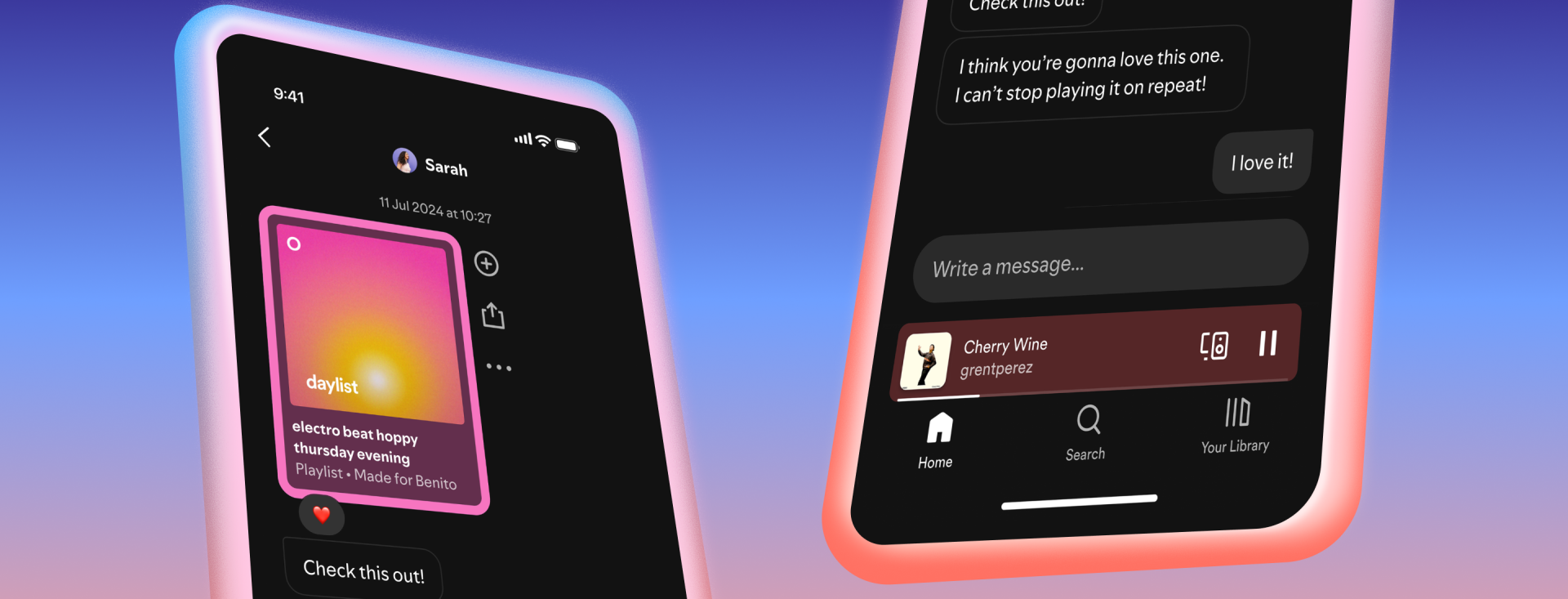
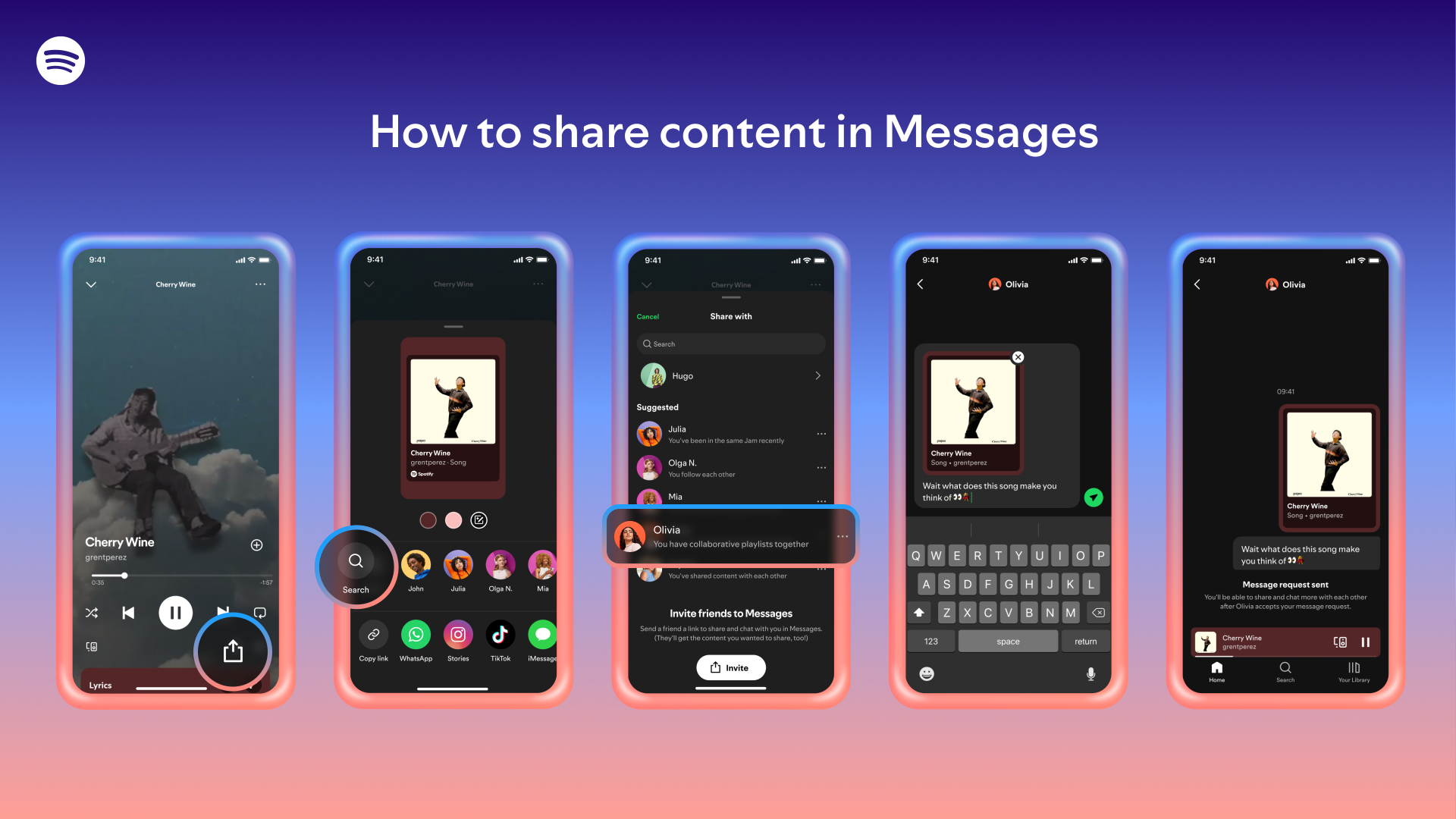
Spotify is now introducing group chats after introducing a message option in August of last year. The Group Chats, an extension of Spotify’s in-app messaging tool, will now allow users to share the podcasts, playlists, and audiobooks they’re listening to with up to ten individuals, the business revealed this week. This also means that users may no longer use external messaging services in order to share and discuss music, podcasts, and audiobooks within the app.
Only those with whom you have already exchanged content can initiate a chat. You can strike up a discussion with someone, for instance, if you have a joint playlist or have joined a Jam or Blend.
The action coincides with Spotify’s ongoing efforts to enhance the social aspects of its streaming service. The company has progressively incorporated social features over time, such as the ability to follow someone and see what they listen to, as well as comments on podcasts.
Spotify has stated that while its messaging feature is designed to support content sharing, users should keep doing so outside of the app.
Both in transit and at rest, messages are encrypted. Nevertheless, end-to-end encryption does not safeguard them.
Some of the highlights of Spotify’s group chat features are that up to ten people can participate in group conversations. In terms of the accessibility on mobile devices (iOS and Android), the feature is accessible to both free and premium users who are 16 years of age or older. Content sharing is an addition to text and emojis; users can transmit songs, albums, playlists, podcasts, and audiobooks.
It also makes room for existing connections only, where users can only initiate a group conversation with individuals they have already linked with using tools like collaborative playlists, Blends, or Jams in order to prevent spam. For security reasons messages are not end-to-end encrypted, but they are encrypted while they are in transit and at rest. An advantage of this approach is that it allows Spotify to more easily detect and prevent harmful or abusive content, helping maintain safer group conversations while still protecting data during transmission and storage.
To launch the group discussion, launch the Spotify mobile app, then tap the symbol for your profile. Then choose messages. Proceed to select “create group” or “new message.”
To begin the thread, choose up to nine additional individuals from your list of current relationships.
Users can completely disable the feature if they would rather not use it. To do this, navigate to Settings and Privacy > Social Features > Privacy and Social.
To avoid being added to any upcoming group or one-on-one discussions, turn off the Messages option.
To begin a group conversation with your pals, would you like assistance creating a Blend or a Jam first?
We use cookies to ensure that we give you the best experience on our website. If you continue to use this site we will assume that you are happy with it.