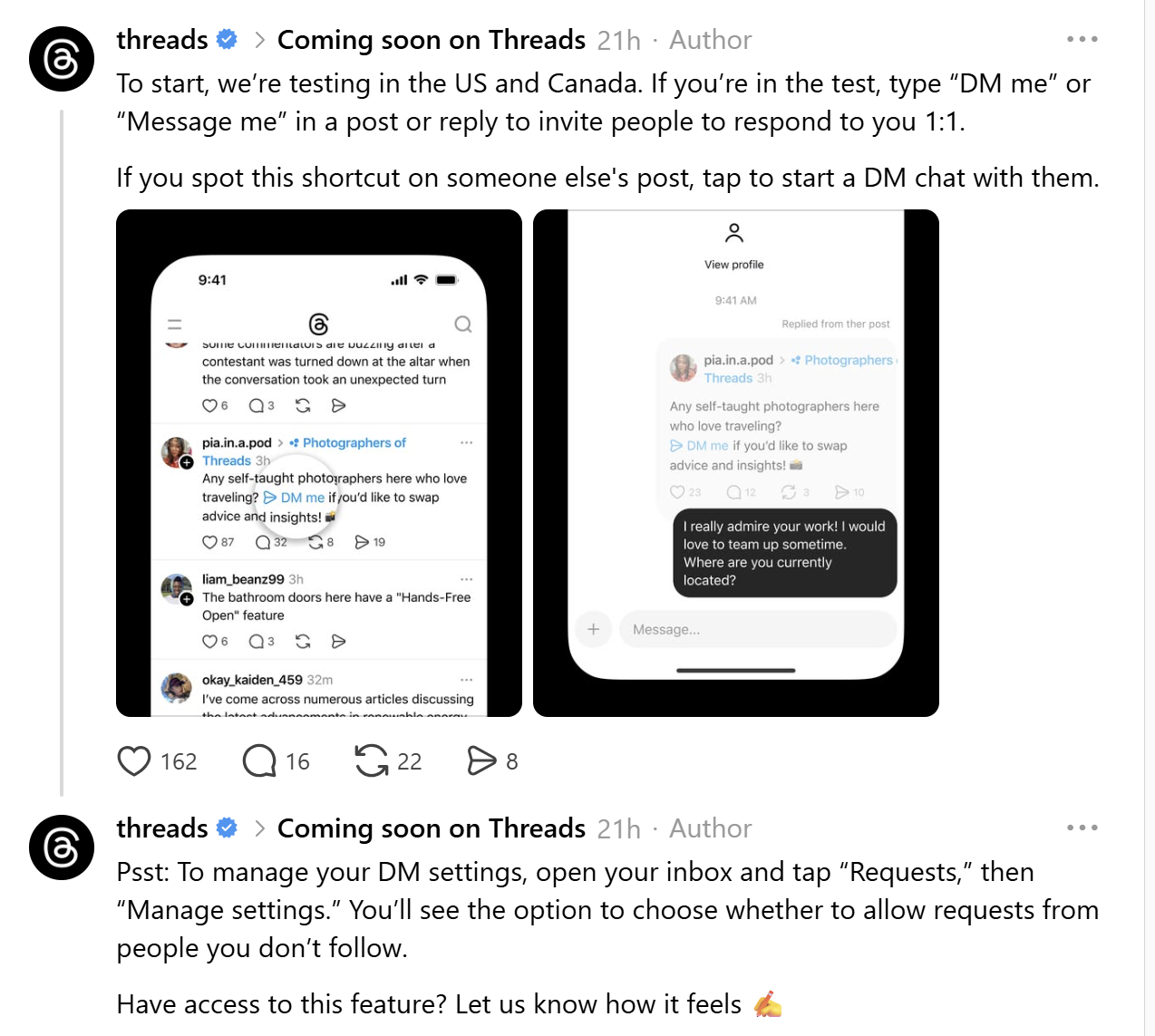
The Meta-owned business Threads announced on Thursday that it is exploring a shortcut to make DMing someone easier. Participants in the test can immediately create a hyperlink inviting others to initiate a private chat with them by typing “DM me” or “Message me” in a post or reply.
The aim for this new feature and shortcut is to make initiating direct message (DM) conversations easier compared with the old way of saying “DM me” or “Message me”.
You can initiate a direct texting conversation with the individual by tapping on the shortcut. The message will be delivered straight to their primary inbox if you are both following each other. To avoid spam, the message is filtered through the “Message Requests” section if you are not following one another.
The company says the new shortcut eliminates the need to visit someone’s profile before starting a DM conversation.
Although Threads took a while to launch a native direct message function, this most recent action suggests that the social network wants to make messaging a more important aspect of its platform as it attempts to cut down on the stages required to initiate a conversation.
A limited number of users in the United States and Canada will be able to access the new service. It’s unclear when or whether Threads intends to make the feature more generally available, much like with any other test feature.
A number of new features have been added to Threads in recent months, including the DM shortcut. Recently, the social network unveiled an AI-powered tool that allows users to customise their feed and submit posts straight to an Instagram Story without ever leaving the app. Additionally, last month, Threads was observed experimenting with in-message gaming.
The updates coincide with a recent analysis from Similarweb, a market research firm, indicating that Threads has surpassed X in terms of daily mobile usage. Over the past few months, the number of daily active users on the Threads mobile app for iOS and Android has continued to rise, despite X still controlling the Threads site.
As of January 7, 2026, X has 125 million daily active users on mobile, compared to 141.5 million on Threads, according to the research.
This is how the shortcut operates.
Trigger Phrases: “DM me” or “Message me” can be typed by test group users in posts or replies.
Automatic Hyperlinking: These sentences are automatically transformed into hyperlinks by the program.
One-Tap Chat: This feature eliminates the requirement for a user to first visit the author’s profile by opening a private, one-on-one chat with them when they tap the link.
Routing in the inbox for mutual followers: The message is sent straight to the primary inbox if both users follow one another. And for non-mutual followers, to avoid spam, the message is forwarded to the “Message Requests” folder if they don’t follow one another.
Announced yesterday, the feature is now being made available to a limited number of users in the US and Canada for a trial period.
This action is said to be an attempt to more directly compete with X (previously Twitter), which has a “Send a private message” button at the bottom of postings that is similar but more noticeable.
For Thread users in Canada & the U.S., here is a quick navigation guide on how to look for the shortcut.
Draft a Post: Using the Threads mobile app, create a new post or respond to an existing one.
Enter the Trigger: Enter “DM me” or “Message me” exactly.
Look for the Hyperlink: As you type, the text will instantly change into a blue, clickable hyperlink if you are in the test group.
Verifying the Connection: If the link displays, the function is active for you; if not, you can backspace to remove it.
Handling new messages, users can control who can contact you once you begin utilising the shortcut:
Inbox Access: To access your Threads Inbox, tap the envelope icon at the bottom of your screen.
Tap “Requests” and then “Manage settings” to access the request settings.
Privacy Control: You can decide whether to accept message requests from users you don’t follow.
We use cookies to ensure that we give you the best experience on our website. If you continue to use this site we will assume that you are happy with it.