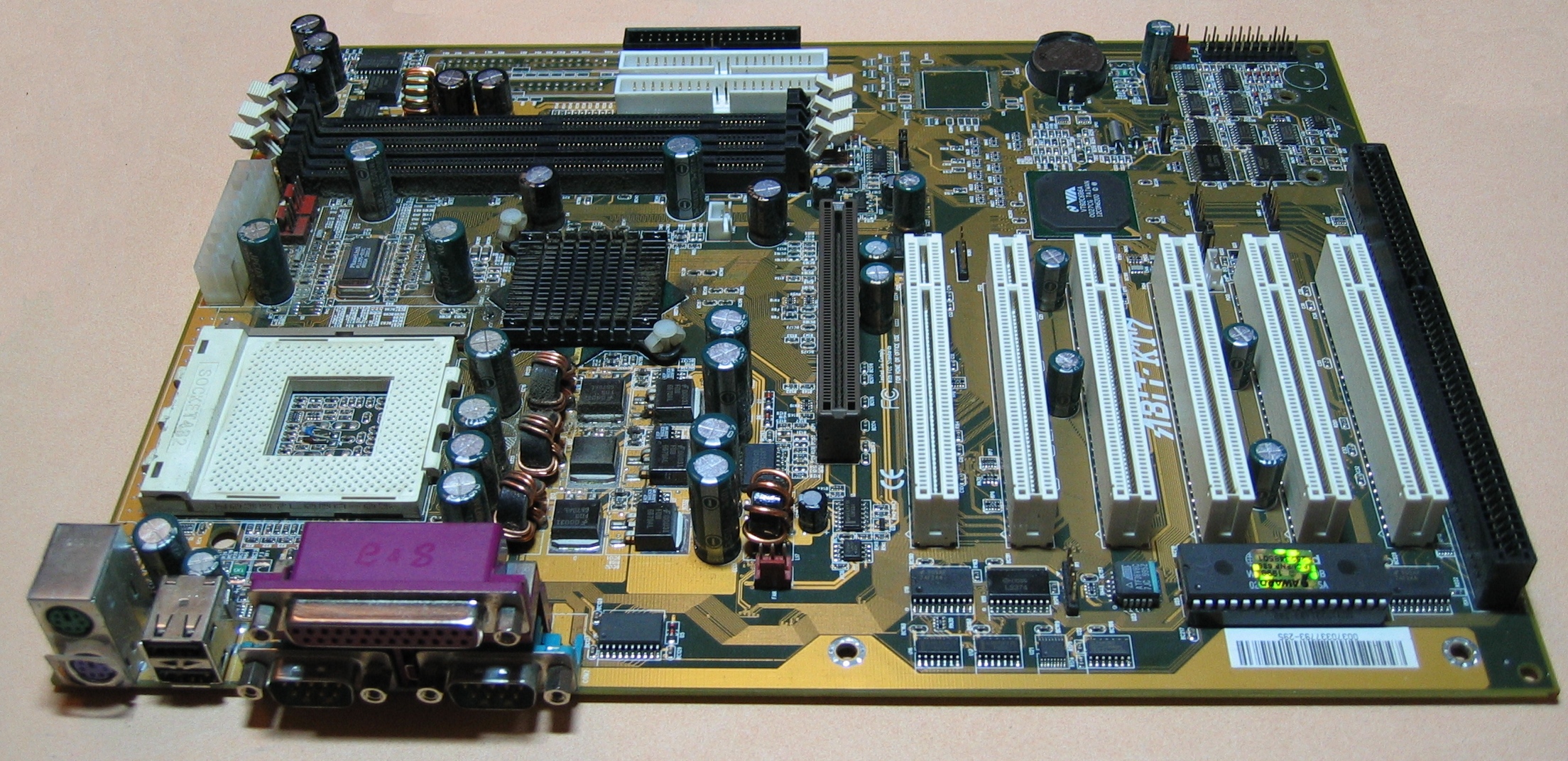
ATX specification is a widely used standard for motherboards, PC cases, and PSUs. It was designed to make sure that all the PC components can work together effectively, regardless of the manufacturer. The ATX form factor typically defines the PSU size, where the mounting holes and connectors should be placed. This helps ensure that different parts fit and connect properly. This specification is widely used at Seasonic PSUs ATX 3.1 PRIME Series (for example, Seasonic PRIME 1300W).
Why is ATX used in modern PCs?
ATX is a standard option for all kinds of PC users (gamers, professionals, or workstation runners) because it supports the most power-demanding builds. It provides perfect component compatibility, future system upgrades, and stable powering to the whole system. Besides this, the ATX 3.1 form factor supports modern CPUs and GPUs, effectively distributing power and cooling, which is critically important for today’s gaming systems and AI workstations.
How has the ATX standard evolved from earlier form factors?
Previous form factors were limited in space, adding extra components for better PC productivity, and issues with cooling. Then, the ATX format was standardized so the CPU, expansion slots, and I/O ports were placed correctly, which improved airflow and made PC assembly easier. Over time, there appear even more updates – support for multi-core CPUs, powerful GPUs, modern interfaces, and more efficient power management. As a result, ATX becomes a flexible and scalable standard for modern high-performance PCs.
What are the key differences between ATX, Micro-ATX, and Mini-ITX?
The key difference between ATX, Micro-ATX, and Mini-ITX lies in their sizes, area of use, and PC building power needs. Here are more details.
ATX has the biggest size and is the perfect choice for productive PCs, workstations, and gaming rigs. It supports more PCIe slots and RAM, and a more powerful PSU like Seasonic ATX 3.1 PRIME models.
Micro-ATX is a more compact variant than the standard ATX form factor. It has fewer PCIe slots but still offers the optimal balance between size, performance, and price.
Mini-ITX provides minimal expansion options and usually one PCIe slot. Nevertheless, it allows you to create very compact systems for home or office use.
Where should standard ATX motherboards be used?
The standard ATX motherboards are commonly used for systems where high productivity and upgrade possibilities are the top priorities. They perfectly fit gaming rigs, AI workstations, and server hubs. In other words, for those systems that may require several expansion cards, large amounts of RAM, and effective cooling. In most cases, professional PC users use them when planning system upgrades, overclocking, or to support full-size or mid-size cases with good ventilation.
When is Micro-ATX the best choice in terms of performance and compactness?
The Micro-ATX standard is chosen by PC users in a case when they need to reduce the case size and the budget while keeping almost the same level of performance as ATX. It is suitable for home or office PCs, where a single powerful GPU, several storage devices, and sufficient RAM are used, but without the need for maximum expansion. There’s a solution for everything – gaming, office work, and content creation.
Why are Mini-ITX and small form factor standards ideal for compact builds?
Because they allow you to create full-fledged PC builds, even with a small case size. They take up significantly less space, consume less energy, and require more compact cooling systems. Thus, such PC builds are perfect for home and office use. Despite the limited expansion opportunities, the Mini-ITX form factor supports modern CPUs and GPUs and delivers excellent system performance.
How do ATX power supply standards affect system compatibility?
The ATX form factor determines the connector types, voltages, power, and physical PSU dimensions. Well-matched components (motherboards, CPU, GPU, etc.) guarantee effective PC performance in one ATX case space. Further, modern standards take into account GPU power and peak loads, reducing the risk of instability or incompatibility as well.
Conclusion: How to choose the right ATX standard for your system?
It depends on the tasks the PC performs and your future plans for your build. The ATX form factor is a solid standard that fits every build you need – from a professional one to at-home use. All the others support fewer options and inputs but offer stable performance for simple, everyday tasks.
We use cookies to ensure that we give you the best experience on our website. If you continue to use this site we will assume that you are happy with it.