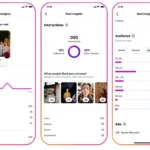
Users will have greater choice over how information displays on their profiles thanks to a new feature that Instagram is launching. Posts can now be organized to better match individual preferences, branding objectives, or artistic display thanks to the upgrade. The modification is a part of Instagram’s larger effort to increase the number of profile customization options available to creators, companies, and regular users. With more information becoming available as the deployment gets underway, the feature might provide fresh approaches to emphasize content and influence first impressions.
For the first time since the platform’s 2010 introduction, Instagram has formally introduced a worldwide “Grid Reordering” function, departing from its rigid, strictly chronological feed format. This significant customizing capability, which Meta announced yesterday, will enable users to manually reorganize previously published Reels and Feed content. In order to improve profile aesthetics or draw attention to particular material, the feature totally removes the need to archive, remove, or use third-party planning tools.
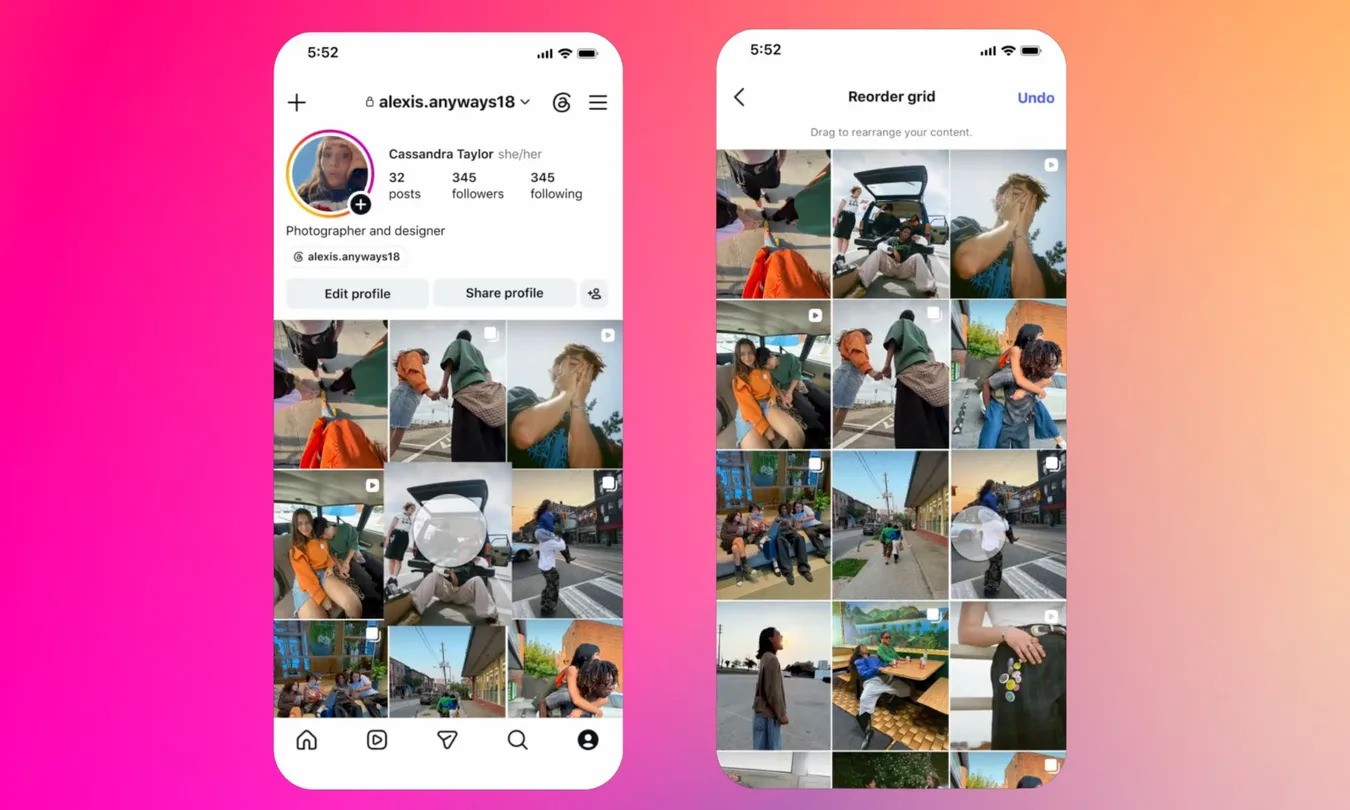
Instagram’s official statement states that users can now move material around their profile grid while maintaining links to the original upload dates of their posts. Users must access their profile, hold down a post, choose the Reorder Grid option, and then move the post to a new spot in order to utilize the feature. Everyone who visits the profile can see the modified arrangement, which is implemented instantly.
According to Instagram, the functionality is intended to provide users more freedom in how they display their photos. In the past, pinned items offered little flexibility for showcasing material, and profile grids mostly followed chronological order.
The tool comes after users have long requested more choices for managing their profiles. This means that users can now rearrange their profile’s layout without changing, removing, or reposting previously posted information.
Creators, photographers, artists, brands, and companies who utilize Instagram as a portfolio or promotional platform may find the upgrade especially helpful. They can arrange content in a way that more accurately represents current projects, priorities, or visual themes rather than depending only on posting order.
Everyday users who want to update the design of their profile while maintaining their engagement history and original publishing dates might also find it appealing.
Instagram head Adam Mosseri had hinted last year that a grid reordering tool was in development, and the feature is now rolling out more widely.
Here is a guide on how to rearrange your Instagram grid.
Use the built-in drag-and-drop feature in the Instagram app:
Go to your profile tab.
Press and hold a post or Reel thumbnail until a menu appears.
Tap Reorder grid.
Drag and drop items to your preferred layout.
Tap Done (or Next) to save your changes instantly.
Users can also access this option by going to Edit Profile > Edit Grid.
Here are the rules and limitations to guide users in using the newly introduced feature on Instagram.
Pinned posts stay fixed: Content pinned to the top of your profile cannot be moved using the grid reordering tool.
Mobile only: The feature works exclusively within the Instagram mobile app and is not available on desktop browsers.
Original timestamps unchanged: Rearranging your grid only affects the visual layout, not the publication dates of your posts.
Unlimited adjustments: You can reshuffle your grid as often as you like, and an “Undo” option is available during the editing session.
For photographers, companies, and creators that use their Instagram profile as a digital storefront or portfolio, this update is quite helpful. Without compromising their main grid theme, users can now quickly move their top-performing Reels or certain marketing initiatives to the top row.
Related Reading
More contextual TechBooky stories selected from tags, categories and article context.
We use cookies to ensure that we give you the best experience on our website. If you continue to use this site we will assume that you are happy with it.