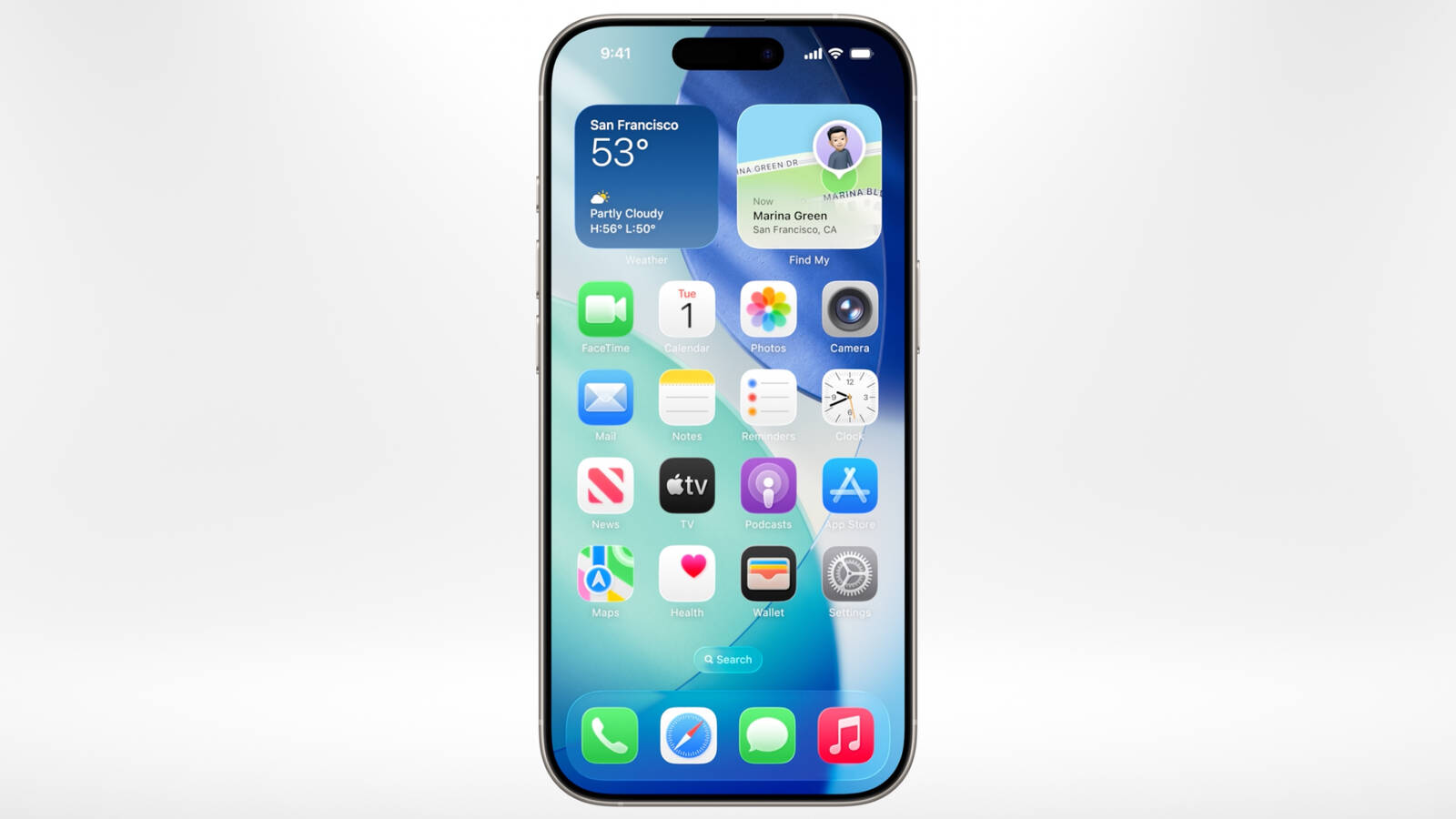
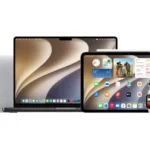
Apple has officially released the iOS 26 public beta today, joining other platforms like iPadOS 26, macOS 26, watchOS 26, tvOS 26, HomePod software 26, and AirPods firmware in a broader summer beta wave.
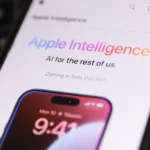
If you’re enrolled in Apple’s Beta Software Program, your iPhone will automatically receive the update under Settings → General → Software Update → Beta Updates. The iOS 26 public beta unlocks the latest Liquid Glass UI, layered interface animations, AI-powered tools for translation and notification summaries, and Apple’s more advanced on-device intelligence suite .
This release follows the fourth developer build (beta 4) that dropped yesterday, featuring refined transparency in backgrounds, dynamic notification tinting, and a fresh AI news-summary splash screen . Beta 4’s polish now carries over into the public version for a smoother experience ahead of the final—fall 2025—launch.
Ahead of hitting download, keep these essentials in mind:
Ensure your iPhone (11 or later) is backed up via iCloud or Finder.
Expect early bugs, some battery impact, and app glitches—beta caveats abound.
Not all AI features—like Genmoji creation—will appear on older devices; iPhone 15 Pro and newer get the full toolkit.
This mean that you will be months ahead of the official autumn launch, you can test Apple’s next-generation interface and AI depths first-hand. Just go to Settings, opt into the public beta, and prepare to explore Liquid Glass, live translations, smarter notifications, a revamped Games hub, and enhanced CarPlay—all while standing watch for bugs that Apple still needs to fix.
Related Reading
More contextual TechBooky stories selected from tags, categories and article context.
Paul Femi Balo is the founder and publisher of TechBooky. He covers artificial intelligence, African technology, digital infrastructure, enterprise technology and the global digital economy.
We use cookies to ensure that we give you the best experience on our website. If you continue to use this site we will assume that you are happy with it.