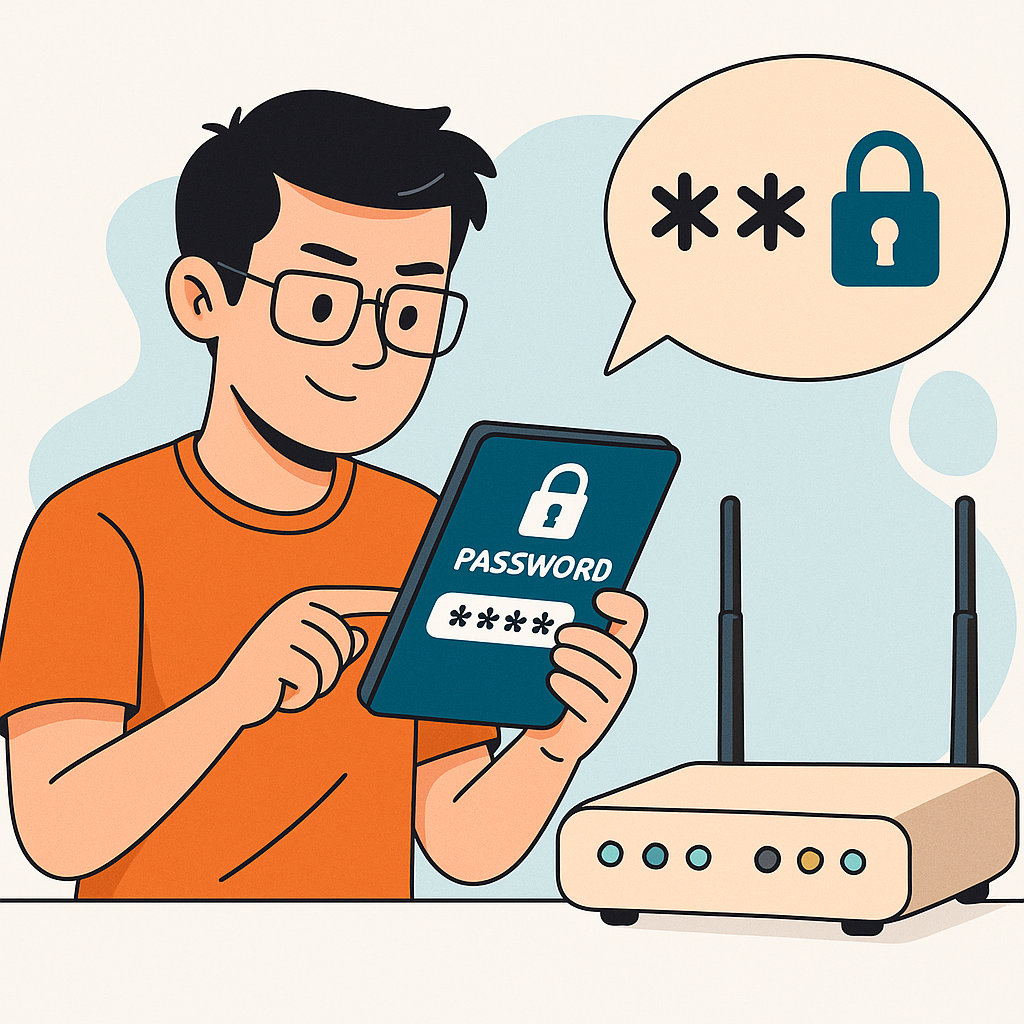
Think of firmware and software updates as free security insurance. Cybercriminals constantly discover new vulnerabilities in routers, smart TVs, game consoles, and other gadgets. Manufacturers issue updates (patches) to fix those holes – but if you don’t apply the updates, your devices remain easy prey. Alarmingly, an industry report found that 60% of IoT-related breaches stem from outdated firmware that was never patched . In other words, simply updating your devices could prevent over half of potential IoT attacks!
Routers: Check your router’s administration interface for a “Firmware Update” section. Many newer routers will automatically check for and download updates – enable auto-update if available, so you always get the latest security fixes. If auto updates aren’t an option, plan to manually check the router manufacturer’s website every few months for new firmware. It’s a quick download and install that can patch critical flaws (for example, past updates have fixed router bugs that allowed remote takeover by just knowing the IP address). Keeping your router firmware current ensures your network’s main gatekeeper isn’t running known-vulnerable code.
Smart devices and computers: The same goes for your PCs, phones, and IoT devices. Always install operating system updates (Windows, macOS, Android, iOS) promptly – these often include security patches for newly discovered threats . Enable automatic updates on your devices and apps so you don’t have to think about it. For smart home gadgets, update processes vary: some update through their companion mobile app, others might require visiting a support website. Make it a habit to open your smart home apps and accept any firmware upgrades. If a device doesn’t update automatically, set a calendar reminder to check for updates periodically.
Crucially, know when to retire old devices. If a gadget is so outdated that it no longer receives updates (or the manufacturer went out of business), it could become a security liability. The reality is some older routers and cameras stop getting patches after a few years. If you’re in that situation, consider upgrading to a newer model that the vendor still supports. As NIST cybersecurity researchers advise, a device that can’t be updated to fix security holes may need to be replaced for your safety . It’s better to spend a bit on a new router now than to suffer a breach because an old one had unpatched flaws.
4. Enable Firewalls to Block Unwanted Traffic
Firewalls are your network’s frontline bouncers – they filter traffic and block unwanted intrusions from ever reaching your devices. Most home routers come with a built-in firewall, but it may not always be enabled or fully configured by default . Similarly, your computers and even smartphones often have firewall functions. Turning on and properly setting these firewalls adds a strong layer of defense.
Router firewall: Log in to your router settings and find the firewall options. Ensure the firewall is enabled (look for settings like “SPI Firewall” or “NAT firewall”). The router’s firewall will automatically reject unsolicited inbound connection attempts – for example, if a malware bot on the internet tries to probe your network, the firewall can silently drop that traffic Many routers also offer features like intrusion detection, IP address filtering, and denial-of-service protections – if available, take advantage of them. The goal is to allow normal internet use (outgoing web, video, game traffic) while keeping out strangers knocking on closed doors.
Device firewalls: In addition to the network firewall, each device should run its own firewall for extra safety . Modern operating systems have these built-in: e.g. Windows Defender Firewall on Windows 10/11 and the macOS Firewall on Apple computers. Make sure these are turned on. They can block malicious traffic that might originate from within your network or add rules for specific apps. For example, if somehow a malicious device got into your Wi-Fi, a host-based firewall on your PC could still block that device from connecting to certain services on your PC. It’s layered security – even if one layer falters, the other stands guard.
Firewall tips for gamers and power users: If you’re a gamer or run home servers, you might occasionally open ports or disable firewall features to get something working (like hosting a game server or improving NAT type for consoles). Be cautious and selective when doing this. Only open the specific ports you need and close them when not in use. Never fully turn off your firewall long-term; instead use features like port forwarding or UPnP (with caution – see Tip #9 about UPnP) to allow necessary game traffic. Remember, any open port is a potential doorway in. As a best practice, review your router’s port forwarding list regularly and delete rules that are no longer needed. By keeping your firewall enabled and tidy, you dramatically reduce the chances of a successful direct attack on your network.
Please continue to the next page
Related Reading
More contextual TechBooky stories selected from tags, categories and article context.
Paul Femi Balo is the founder and publisher of TechBooky. He covers artificial intelligence, African technology, digital infrastructure, enterprise technology and the global digital economy.
We use cookies to ensure that we give you the best experience on our website. If you continue to use this site we will assume that you are happy with it.