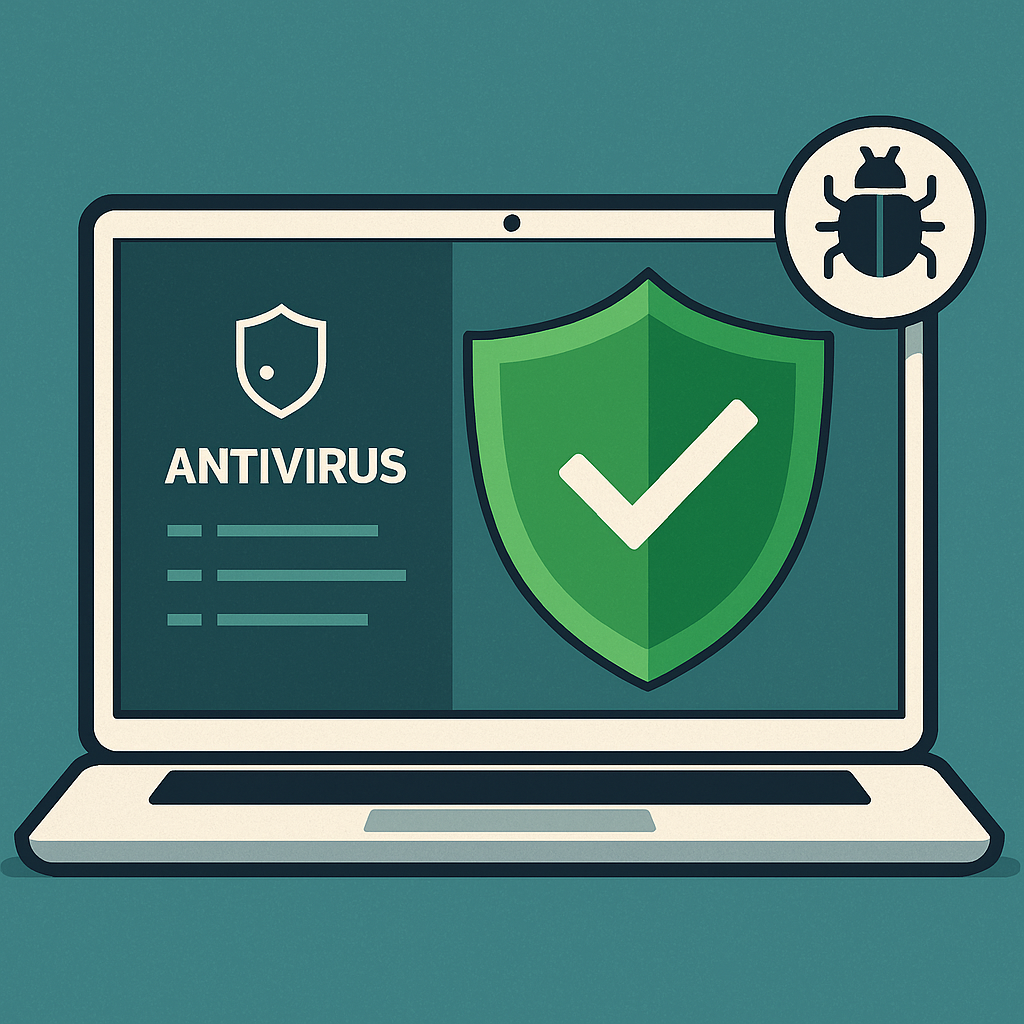
Even a fortified network can’t 100% prevent malware from sneaking onto a device via a dodgy download or a phishing email. This is where antivirus and anti-malware tools come in – they act as your last line of defense by detecting and removing malicious software that ends up on your computers. A good antivirus can catch viruses, worms, trojans, ransomware, and more before they do damage. For home users, many quality options are inexpensive or even free, and they’ve become very user-friendly.
At minimum, ensure all PCs and laptops in your home have an active, up-to-date antivirus program. Windows 10 and 11 come with Microsoft’s built-in Defender Antivirus, which is quite capable for basic protection (and it’s free and updates automatically). You can also choose from well-known third-party solutions like Bitdefender, Norton, Kaspersky, McAfee, etc. The key is to use something reputable and keep it updated with the latest threat definitions. New malware emerges daily, so an AV that updates itself (at least daily) is crucial. Many solutions also offer real-time protection that will scan files as they are downloaded or USB drives as they’re inserted, giving you immediate warnings.
Don’t forget about your mobile devices. While iPhones generally sandbox apps tightly (traditional AV software isn’t available on iOS), Android devices can benefit from anti-malware apps if you frequently install apps from outside the Google Play Store. Additionally, consider running periodic anti-malware scans on your machines using tools like Malwarebytes, which can catch adware or spyware that traditional antivirus might miss.
A robust antivirus will quarantine or remove threats before they spread. For instance, if you accidentally open a malicious email attachment, a good AV might catch the ransomware as soon as it tries to execute, saving you from disaster. It’s an important safety net, especially for shared family computers. According to CISA (the U.S. Cybersecurity and Infrastructure Security Agency), having a reputable antivirus and keeping it updated is a critical protection measure for home systems .
A note on performance: Modern antivirus programs are generally optimized to not noticeably slow down your system during normal use. Most perform heavy scans when the computer is idle. So there’s little downside to running antivirus – and the upside is huge in case of a stray click on the wrong link. Combine antivirus with the other tips (like strong passwords and updates), and you create a layered security posture that greatly reduces risk.
6. Use a VPN for Secure Connections and Remote Access
VPN for privacy: When you connect through a VPN, all your data is scrambled (encrypted) between your device and the VPN server. This means anyone trying to snoop on your connection (such as a hacker on public Wi-Fi, or even your ISP) will mostly see gibberish. If you often work from cafes, libraries, or travel and use hotel Wi-Fi, running a VPN on your laptop or phone is highly recommended so that no one can eavesdrop on your logins or sensitive transactions. Even on your home network, some privacy-conscious users opt to route all their traffic via a VPN service to prevent their ISP from tracking their online activities. It can also help reduce targeted ads since your IP address (which can reveal your location) is hidden behind the VPN’s server.
VPN for remote work/home office: If you’re a home office user connecting to corporate systems, your company likely already requires a VPN to access their network. Always use it – it ensures that the data exchanged between your home and work is encrypted and safe from interception . If your employer doesn’t provide one, you might set up your own secure connection. Many home routers support running a VPN server (such as OpenVPN or WireGuard) – you can connect back to your home network securely when traveling, rather than opening risky ports for remote desktop or cameras. The NSA’s guidance for teleworkers also emphasizes VPN usage to keep telework traffic confidential from any prying eyes.
VPN for gamers and streamers: Gamers sometimes use VPNs to prevent swatting or DDoS attacks by hiding their true IP address from opponents. If you livestream gameplay, a VPN can add a layer of anonymity. Just be mindful: a VPN can add a bit of latency, so choose a high-speed gaming-optimized VPN if low ping is crucial. For most people, a good VPN will have negligible impact on browsing or even HD streaming, but very latency-sensitive applications might require a quality provider or local server.
When choosing a VPN service for general use, stick to reputable providers with strong no-logging policies and good performance (popular examples in 2025 include ExpressVPN, NordVPN, ProtonVPN, among others). Avoid random “free” VPNs – many have been caught logging or selling user data, or injecting ads/malware. It’s worth paying a few dollars a month for a trusted service if you use VPN regularly. And remember, a VPN is not a silver bullet for all threats (you still need the other precautions), but it’s a valuable tool in your security toolkit for preserving privacy and securing connections on untrusted networks.
Please continue to the next page
Related Reading
More contextual TechBooky stories selected from tags, categories and article context.
Paul Femi Balo is the founder and publisher of TechBooky. He covers artificial intelligence, African technology, digital infrastructure, enterprise technology and the global digital economy.
We use cookies to ensure that we give you the best experience on our website. If you continue to use this site we will assume that you are happy with it.