TechBooky AI Assistant
👋 Welcome to TechBooky AI Assistant

I can help with:
🔎 Tech News
🤖 AI Topics
💻 Gadgets
☁️ Cloud
✍️ Guest Posts
📢 Advertising
🔗 Backlinks
📩 Newsletter
  • AI Search
  • Cryptocurrency
  • Earnings
  • Enterprise
  • About TechBooky
  • Submit Article
  • Advertise With TechBooky
  • Contact Us
TechBooky
  • African
  • AI
  • Metaverse
  • Gadgets
Generic selectors
Exact matches only
Search in title
Search in content
Post Type Selectors
Search in posts
Search in pages
  • African
  • AI
  • Metaverse
  • Gadgets
Generic selectors
Exact matches only
Search in title
Search in content
Post Type Selectors
Search in posts
Search in pages
TechBooky
Generic selectors
Exact matches only
Search in title
Search in content
Post Type Selectors
Search in posts
Search in pages
Home Security

Google Drive Adds Privacy Screen for Android

Akinola Ajibola by Akinola Ajibola
November 28, 2024
in Security
Share on FacebookShare on Twitter
Share this story

Send it to someone who should read it.

f Facebook X X in LinkedIn wa WhatsApp tg Telegram @ Email

In Brief
  • Indeed, there have been reports that Google Drive for Android is working on a Privacy Screen feature that would demand identification before allowing users to open...
  • It is anticipated that this functionality would function similarly to its iOS equivalent.
  • The rumour claims that Google Drive is working on a new feature for Android smartphones that would reportedly increase security when using the app.

Indeed, there have been reports that Google Drive for Android is working on a Privacy Screen feature that would demand identification before allowing users to open the app. It is anticipated that this functionality would function similarly to its iOS equivalent.

The rumour claims that Google Drive is working on a new feature for Android smartphones that would reportedly increase security when using the app. They claim to have found it as they were tearing down the Android app’s APK. The cloud storage app’s Privacy Screen feature has been accessible on the iOS version since 2020 and is now reportedly making its way to the Android version as well.

The Android Authority described the alleged Privacy Screen feature, which is reportedly under development, in a report. After an APK breakdown of the Google Drive for Android app version 2-24-467-3, code string references to the functionality were allegedly found. It is thought to function similarly to its iOS equivalent, requiring authentication before allowing the user to access the application.
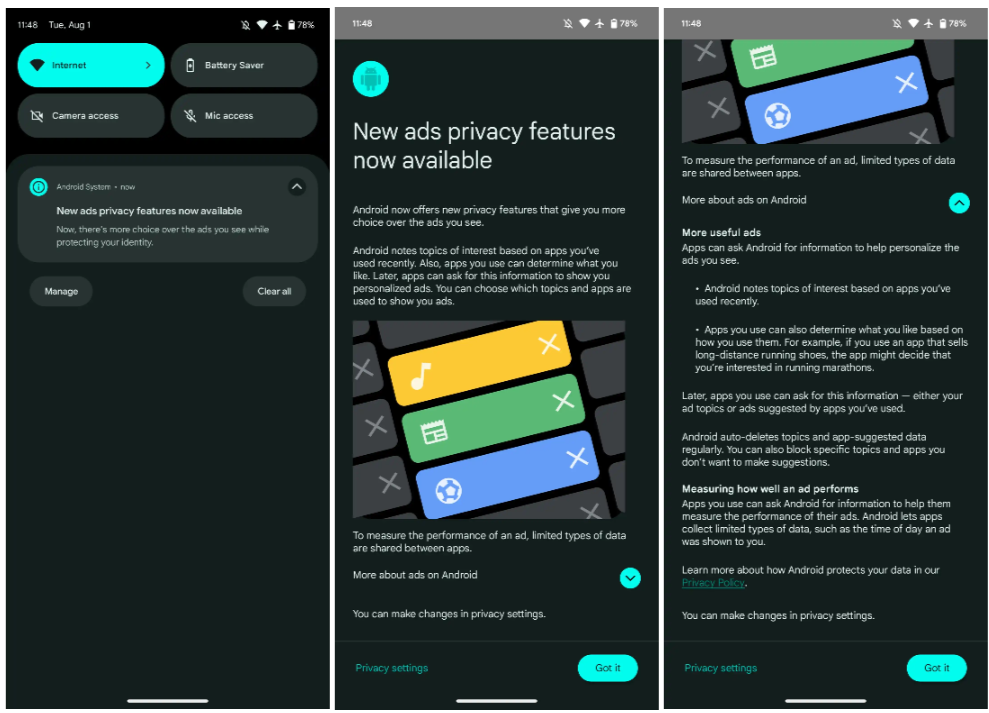
Image Source: 9to5 Google

When you access this app with Privacy Screen enabled, you will be prompted to confirm that it is you.

There are, however, a few restrictions that are consistent with the app’s iOS version. According to the code references, the shared data could still be accessible through other programs’ web browsers even after it has been activated. Furthermore, alerts and other system functions could not be protected by the Privacy Screen feature.

When it comes to safety, this feature on Google Drive for iOS has a number of additional restrictions. These include files shared with the Files app, photographs shared with the photographs app, certain Siri functionalities, and if the program is removed.

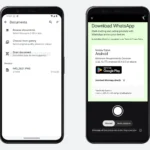
Recently, Google released an enhanced Drive file picker for Android smartphones. The business claims that customers will find it easier to retrieve recently seen things on Google Drive. They will also be able to see shared files inside disks, My Drive, and other storage sites with ease.

The earlier upgrade has already been made available to Rapid Release domains and will begin rolling out to Scheduled Release domains on December 2.

Also worth reading
Apple Watch Audio Intelligence Could Test Privacy Trust Google Drive’s Document Scanner Gets New Updates Flock AI Cameras Become A US Election Issue OpenAI Says Frontier Models Can Keep Zero Data Retention Apple Private Relay IP Leak Shows Privacy Tools Have Limits Google Drive Android Gets New Video Player & Upload Features

Other methods to safeguard your Google Drive files include the following:

1. Safe/Secure folder

Use a PIN to restrict access and hide files in your Safe folder. Android 8.0 and later can use this functionality.

2. Data Classification

Sort and label information so that only those with permission may access the appropriate information.

3. Shared Settings

4. Go to the sharing options, click the down arrow next to the person’s name, and choose “Remove access” to take away their access.

       i. The Share dialog box’s “Viewers and commenters can download, print, and copy” option should be disabled.

          ii. A person’s file access should have an expiration date set.

Related Reading

More contextual TechBooky stories selected from tags, categories and article context.

  • google-drive-logo-freelogovectors.net_
    Google Drive's Document Scanner Gets New Updates
  • WA_DOCUMENT_SCANNING_WITH_CAMERA_FEATURE_ANDROID
    WhatsApp Adds Document Scanning Feature for Android
  • WA_MANAGE_STORAGE_DIRECTLY_FROM_THE_CHAT_INFO_SCREEN_FEATURE_ANDROID
    WhatsApp Tests Storage Controls for Individual Chats
  • WA_NEW_SCAM_ALERT_FEATURE_ANDROID
    WhatsApp Is Developing On-Device Scam Detection…
  • android-auto-launcher-home-screen-1
    Google Rolls Out Media App Switcher For Android Auto
  • WA_NEW_ADVANCED_CHAT_PRIVACY_FEATURE_MEDIA_AUTO_SAVING_CHAT_INFO_SCREEN_ANDROID
    WhatsApp Tests Privacy Feature on Android to…
  • android_17_os_verification_google_main_1778753538832
    Google Announces New OS Verification Tool To Fight Fake OS
  • google-messages-1
    Google to Launch 'Delete for Everyone' Feature on Messages
Keep Reading Smarter

Search TechBooky with AI

Use TechBooky's AI Search to explore the context behind this story and related coverage across the site.

Try AI Search
More On This Topic
Security
Follow TechBooky

Follow TechBooky for more technology stories and newsroom updates.

f Facebook X X in LinkedIn ig Instagram wa WhatsApp

Tags: google driveprivacy
Akinola Ajibola

Akinola Ajibola

Search TechBooky
Open TechBooky AI Search Try the AI Assistant

BROWSE BY CATEGORIES

Receive top tech news directly in your inbox

subscription from
Loading

Freshly Squeezed

  • Nuance Labs Raises $50M To Make AI Avatars Less Awkward September 15, 2026
  • AI Startup Funding Is Splitting Into Winners And Strugglers September 15, 2026
  • Trump And Jensen Huang Push Back On AI Doom Talk September 15, 2026
  • Microsoft Says People Matter More Than AI In New Safety Code September 14, 2026
  • OpenAI Urges UK Lawmakers To Regulate Frontier AI September 14, 2026
  • Google And Meta Gain As AI Slowdown Could Help Them Catch Up September 14, 2026
  • AI Data Centre Pollution Fight Puts Compute Boom On Trial September 14, 2026
  • Anthropic Profit Claim Comes With Big AI Cost Questions September 14, 2026
  • Trump Rejects AI Slowdown As CEOs Warn Of Safety Risks September 14, 2026
  • OpenAI. Google And Anthropic Explore AI Standards Body September 14, 2026
  • China Pushes Back As AI Safety Fight Turns Geopolitical September 14, 2026
  • Six Things That Changed in AI Video Generation in 2026 (and What Still Doesn’t Work) September 14, 2026

Browse Archives

September 2026
M T W T F S S
 123456
78910111213
14151617181920
21222324252627
282930  
« Aug    

Quick Links

  • About TechBooky
  • Advertise With TechBooky
  • Contact us
  • Submit Article
  • Privacy Policy
Generic selectors
Exact matches only
Search in title
Search in content
Post Type Selectors
Search in posts
Search in pages
  • African
  • Artificial Intelligence
  • Gadgets
  • Metaverse
  • Tips
  • AI Search
  • About TechBooky
  • Advertise With TechBooky
  • Submit Article
  • Contact us

© 2025 Designed By TechBooky Elite

Discover more from TechBooky

Subscribe now to keep reading and get access to the full archive.

Continue reading

We use cookies to ensure that we give you the best experience on our website. If you continue to use this site we will assume that you are happy with it.