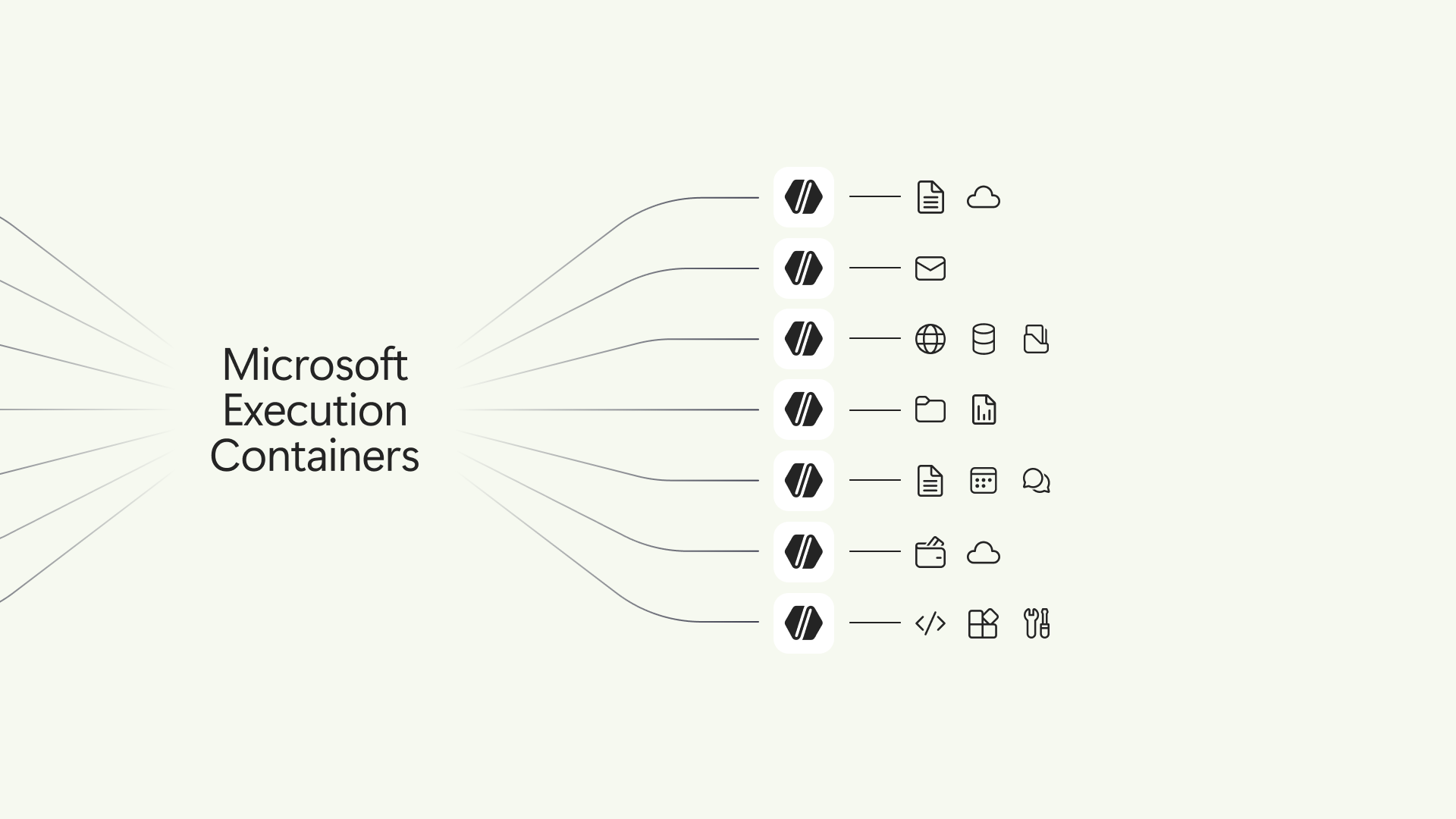
An AI agent can be useful precisely because it can open files, run code and act on a computer. Those same abilities make an accidental or malicious instruction far more consequential than a wrong chatbot answer. Microsoft is trying to put a firm boundary around that risk with Microsoft Execution Containers, or MXC, which it says are now generally available on Windows 11.
The idea is easy to understand even if the plumbing is technical. A developer can specify which files and network destinations an agent needs for a task. The container enforces those limits outside the agent’s control. If an agent is allowed to read a website’s repository but not change its server configuration, the aim is to prevent it from changing the configuration even when its own reasoning decides that would be the quickest way to finish. A prompt telling the agent to ignore the rule should not be enough to lift it.
That matters because AI agents increasingly do more than suggest text. A coding assistant may inspect a codebase, install dependencies, run tests and propose fixes. A personal assistant may draw on local documents and services. Access granted too broadly can turn a mistake, a hostile webpage or a compromised tool into a data leak or a broken system. Codex’s arrival on Windows was one sign that these workflows were moving from demonstrations onto everyday PCs; the operating system now has to provide a safer place for them to run.
Microsoft says MXC can contain generated code, plugins, tools or an entire agent. Developers describe the resources a workload needs through a common policy format, while the platform selects an appropriate containment method. The policy is intended to stay outside the workload, so the software being restricted cannot simply grant itself access to more files. Support extends beyond a single desktop setup, including Windows 365 Cloud PCs, and Microsoft describes process-container options across Windows, macOS and Linux. The depth of isolation can differ by backend.
The company is pairing containment with a wider plan for agent identity and management. It wants organizations to distinguish an agent’s actions from the human using the device, then govern those actions through enterprise controls. Those identity and management capabilities should not be confused with the containment layer that Microsoft says is available now. Its broader Windows announcement also describes more local AI processing and future Copilot access to PC context with user permission.
This is a notable direction for Windows. For years, the key security question was what an app could do after a person installed it. Agents can make new decisions during a task, call tools in unexpected sequences and encounter untrusted instructions from the material they read. Restricting their authority at the operating-system level is more credible than asking the model to behave perfectly, although the outcome will still depend on whether developers write tight policies and whether the isolation works under pressure.
Microsoft has not eliminated the need for human oversight. Users should still know which agent is acting, which files it can reach and when approval is required for sensitive changes. But making access explicit and enforceable is a practical answer to the question that follows every promise of autonomous AI: what stops it when it tries to do too much?
Related Reading
More contextual TechBooky stories selected from tags, categories and article context.
Paul Balo is the founder of TechBooky and a highly skilled wireless communications professional with a strong background in cloud computing, offering extensive experience in designing, implementing, and managing wireless communication systems.
We use cookies to ensure that we give you the best experience on our website. If you continue to use this site we will assume that you are happy with it.