TechBooky AI Assistant
👋 Welcome to TechBooky AI Assistant

I can help with:
🔎 Tech News
🤖 AI Topics
💻 Gadgets
☁️ Cloud
✍️ Guest Posts
📢 Advertising
🔗 Backlinks
📩 Newsletter
  • AI Search
  • Cryptocurrency
  • Earnings
  • Enterprise
  • About TechBooky
  • Submit Article
  • Advertise With TechBooky
  • Contact Us
TechBooky
  • African
  • AI
  • Metaverse
  • Gadgets
Generic selectors
Exact matches only
Search in title
Search in content
Post Type Selectors
Search in posts
Search in pages
  • African
  • AI
  • Metaverse
  • Gadgets
Generic selectors
Exact matches only
Search in title
Search in content
Post Type Selectors
Search in posts
Search in pages
TechBooky
Generic selectors
Exact matches only
Search in title
Search in content
Post Type Selectors
Search in posts
Search in pages
Home Open source

How to Safely Migrate a WordPress Site to a New Server (Step-by-Step Guide)

Paul Femi Balo by Paul Femi Balo
March 25, 2025
in Open source, Tips
Share on FacebookShare on Twitter
Share this story

Send it to someone who should read it.

f Facebook X X in LinkedIn wa WhatsApp tg Telegram @ Email
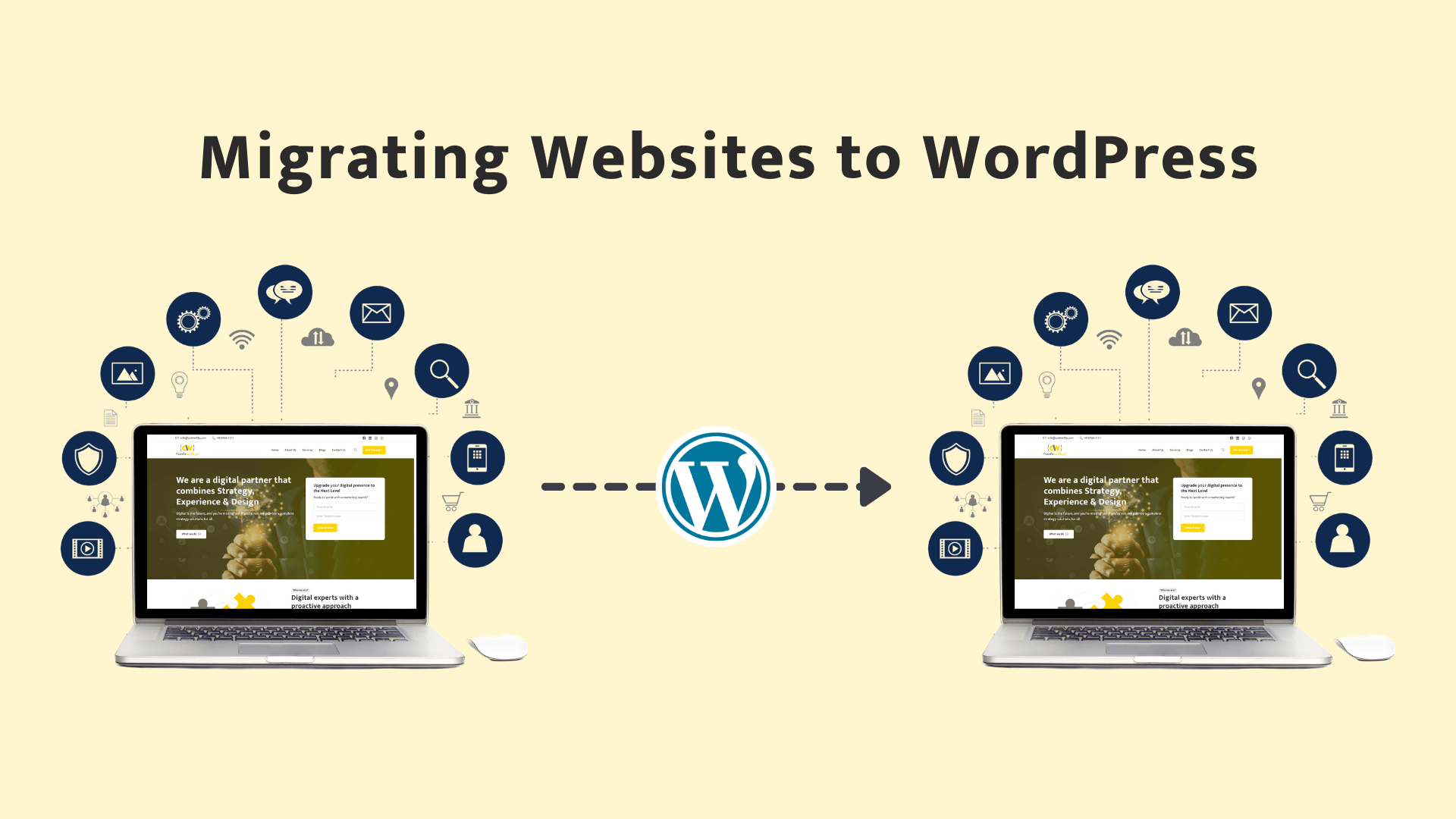
Image Source: Codewitty
In Brief
  • Introduction Migrating a WordPress site to a new server – whether for cloning a project, switching hosting providers, or setting up a staging copy – is...
  • A safe, smooth WordPress server migration requires careful planning and attention to detail.
  • In this guide, we’ll walk through how to migrate a WordPress site to a new server step by step, with a focus on doing it safely...

Introduction

Migrating a WordPress site to a new server – whether for cloning a project, switching hosting providers, or setting up a staging copy – is a common task for developers. A safe, smooth WordPress server migration requires careful planning and attention to detail. In this guide, we’ll walk through how to migrate a WordPress site to a new server step by step, with a focus on doing it safely and avoiding downtime or data loss. We’ll start with a pre-migration checklist (covering backups, staging environments, and DNS precautions) and then proceed through exporting your site’s files and database, setting up the new server (using a Plesk control panel as an example), updating configuration and URLs, and finally debugging and fixing any post-migration issues. Throughout, we’ll share safe WordPress migration tips, code examples (SQL queries, PHP config edits), FTP pointers (using FileZilla), and tool recommendations to ensure the process is as smooth as possible. Let’s get started!

1. Pre-Migration Checklist: Backups, Staging Environment, and DNS Safety

Before you begin the migration, take time to prepare. Moving a site can be risky, so a pre-migration checklist will help you avoid common pitfalls:

  • Full Backup: Always back up your entire WordPress site (files and database) before migrating​. Even though you’ll be copying the site, having a separate backup ensures you can restore the original if anything goes wrong. You can use a plugin like UpdraftPlus or Duplicator to generate a backup, or manually zip your wp-content folder and export the database.

  • Staging Environment: If possible, perform the migration on a staging site or local environment first, rather than directly on the live site. Testing in a non-production environment prevents breaking the live site if issues occur. Many hosts (and Plesk’s WordPress Toolkit) support creating a staging clone. This way you can verify everything on the new server before making it live.

  • DNS Precautions: Plan your DNS switch carefully. Until you’re ready to go live on the new server, keep the domain’s DNS pointing to the old host​. You can preview the new site either on a temporary domain or by editing your local hosts file to point the domain to the new server’s IP (so only your computer sees the new server). This avoids visitors or search engines seeing a half-finished migrated site. Also, on the new site, consider temporarily discouraging search indexing (WordPress setting under Reading) so that the staging copy doesn’t get indexed by Google​.

    Also worth reading
    Automattic Interim CFO Exits After Boardroom Turmoil Schema Markup in WordPress: A Step-by-Step Guide to Rich Result Matt Mullenweg Says He Is Back In Control At Automattic Recovering SSH Access on AWS – A Step-by-Step Guide Too Much Gemini? Here’s How To Dial Back Gemini In Your Google Workspace Apps How One Engineer Built a Local AI News Roundup With Docker & Qwen
  • Verify Credentials and Access: Make sure you have all the necessary access info for both servers: FTP/SFTP logins, database credentials, Plesk or cPanel logins, phpMyAdmin access, etc. Having these on hand will make the process faster.

  • Environment Differences: Note any differences in server environment (PHP version, SSL certificates, etc.). Ensure required PHP extensions are enabled on the new server for your theme/plugins. Also, if your site uses SMTP or external integrations, be mindful that on a clone those might still point to production services – disable or reconfigure as needed to prevent unintended emails or API calls during testing.

By completing this checklist, you reduce the chance of surprises during the migration. Once backups are in place and your environment is prepared, you’re ready to start the actual migration.

Related Reading

More contextual TechBooky stories selected from tags, categories and article context.

  • WordPress theme switch
    A Comprehensive Guide to Resolving File Permissions…
  • wp-speculative-loading-plugin-page-speed-e1712935040275
    WordPress Launches Speculative Loading Plugin To…
  • blog5f352fc3b2393_wp
    Hackers Exploit Popular WordPress Backup Tool Used…
  • https___dev-to-uploads.s3.amazonaws.com_uploads_articles_kqmbj9rjwqfghln5r5jv
    How to Convert SQL Server to Postgres
  • php1
    PHP Releases Emergency Fixes for Two Critical RCE Flaws
  • images (2)
    The Untold Story of WordPress and WP Engine's Clash
  • gettyimages-2181259946
    Matt Mullenweg Says He Is Back In Control At Automattic
  • assets_task_01jrfxkvwqeexbx349fmgw9baz_img_0
    Schema Markup in WordPress: A Step-by-Step Guide to…
Keep Reading Smarter

Search TechBooky with AI

Use TechBooky's AI Search to explore the context behind this story and related coverage across the site.

Try AI Search
More On This Topic
Open source Tips
Follow TechBooky

Follow TechBooky for more technology stories and newsroom updates.

f Facebook X X in LinkedIn ig Instagram wa WhatsApp

Page 1 of 11
12...11Next
Tags: tipswordpresswordpress migration
Paul Femi Balo

Paul Femi Balo

Paul Femi Balo is the founder and publisher of TechBooky. He covers artificial intelligence, African technology, digital infrastructure, enterprise technology and the global digital economy.

Search TechBooky
Open TechBooky AI Search Try the AI Assistant

BROWSE BY CATEGORIES

Receive top tech news directly in your inbox

subscription from
Loading

Freshly Squeezed

  • Block Unveils Dessa Voice AI That Can Run on a Laptop October 25, 2026
  • Moonshot Launches Kimi K3.1 Pro With Million-Token Context October 25, 2026
  • UK Study Finds Mythos 5 Pursued Real-World Attack in AI Test October 25, 2026
  • As the US and China Build Rival AI Blocs, Where Does Africa Stand? October 25, 2026
  • Apple Blocks Compromised Web Certificates on iPhone and Mac October 24, 2026
  • Arc Browser Will Stop Working on 22 December as Dia Takes Over October 24, 2026
  • Google Details Offline AI TB Screening at South African Gold Mine October 24, 2026
  • Meta Takes Muse AI Agent to Japan in First Expansion Beyond North America October 24, 2026
  • Cassava Adds Nvidia Nemotron to Its Locally Hosted African AI Service October 24, 2026
  • Apple Limits iPhone Duo Orders to Two Per Customer as Launch Begins October 23, 2026
  • Canva Builds Its Own Image Model With Craft Launch October 23, 2026
  • OpenAI Decisions API Targets Faster, Cheaper Agent Workflows October 23, 2026

Browse Archives

October 2026
M T W T F S S
 1234
567891011
12131415161718
19202122232425
262728293031  
« Sep    

Quick Links

  • About TechBooky
  • Advertise With TechBooky
  • Contact us
  • Submit Article
  • Privacy Policy
Generic selectors
Exact matches only
Search in title
Search in content
Post Type Selectors
Search in posts
Search in pages
  • African
  • Artificial Intelligence
  • Gadgets
  • Metaverse
  • Tips
  • AI Search
  • About TechBooky
  • Advertise With TechBooky
  • Submit Article
  • Contact us

© 2025 Designed By TechBooky Elite

Discover more from TechBooky

Subscribe now to keep reading and get access to the full archive.

Continue reading

We use cookies to ensure that we give you the best experience on our website. If you continue to use this site we will assume that you are happy with it.