Whether it’s for printing taxes, photos, or hard copies to serve as technological backups, a home printer must be a solid performer and an example would if you want to print brochures. For businesses, the printer is relied upon for such things as receipts, low-volume brochures, and other marketing material. Regardless what is required, it is often difficult to determine which printer is the best. Following are top seven printers, for home and business use, for 2019.
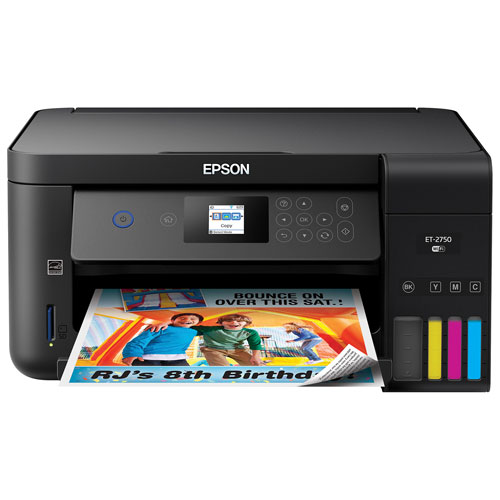
Epson Expression 150-Sheet Paper Capacity Printing
With the Epson Expression model, Epson has proven there is no real need for cords or ink cartridges. This wireless workhouse prints in black ink or full color, and it is stocked with ink that will last, unused, for up to two years.
The Expression can print up to 14,000 pages with 10-percent coverage, which is about one page of black text, double-spaced, on a standard piece of 8.5 x 11-inch paper. In addition to being cartridge free, it is wireless. All it requires is WiFi connectivity, and it is ready to do its job.
Operating and maintaining it is done via the 2.7-inch screen. In addition to the standard scanning, copying, and printing, two-sided printing can be set to automatic. Additionally, it can print borderless 8.5 x 11-inch prints.
Cons:
A small minority of users report the bottles are difficult to replace and sometimes messy. Additionally, replacing the ink requires disposable gloves.
For higher-volume printing, Brother’s MFC-J985DW model produces black-and-white prints at an average cost of .8 cents per page with 10-percent coverage. Color prints average 4.6 cents per 8.5 x 11-inch page with 30-percent coverage.
Printing one black-and-white page takes 10 seconds–pretty brisk.
Cons:
Specifically made for home and business use, the printer sacrifices speed for efficiency. In contrast to monochromatic printing, color prints take up to 2.5 minutes per page, depending on ink coverage.
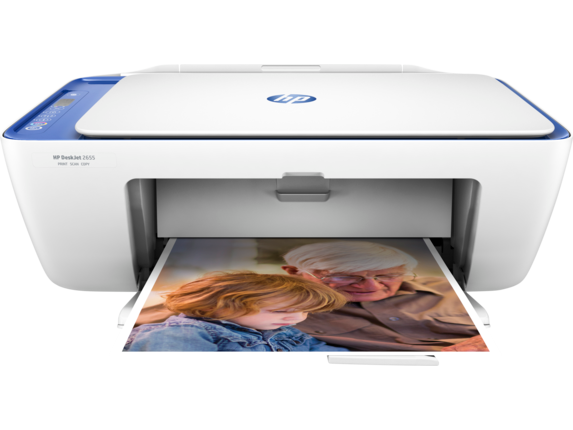
For people wanting hard copies of their digital photos, the HP Inkjet Photo Printer provides a comprehensive array of features. It delivers full-color, borderless, photo-quality prints, and it also scans and copies.
Smartphone connectivity allows quick, wireless printing direct from an Android or Apple printing app. additionally, the app allows remote printing. For business users, the functionality includes scan to e-mail and automatic duplex printing.
Cons:
Cartridges only produce up to 190 pages per cartridge. High-volume printing will require multiple cartridges.
Canon’s Pixma model consistently rates as a superior printer due to its speed and economical printing. For instance, with 10-percent coverage, a black-and-white page will kick out within approximately 17 seconds.
Its larger LED screen makes operations easy, and once it is ready to go, the primary secret to its print quality comes from six printer cartridges.
Cons
Color printing remains on the slow side. A full-color page print, for instance, takes just under 2 minutes. Although this is nearly 25-percent faster than similar printers, it can still seem like a long time.
Brother MFC-J5620DW
Pros
People requiring large-format prints will appreciate Brother’s MFC-J562 model. For booklets, small posters, brochures, or photos, it handles 11 x 17-inch paper. It houses four ink colors, and it provides an economic color print cost of 4 cents per 8.5-inch page with 30-percent coverage. It can knock out a black-and-white print in just 10 seconds.
As an all-in-one, it scans, prints, copies, and faxes. For office use, it comes equipped with WiFi, Ethernet, and USB connectivity. For multiple users throughout the office, it will hold prints in queue.
Cons
At 2.5 minutes per color print, the print speed is slower than comparable printers.
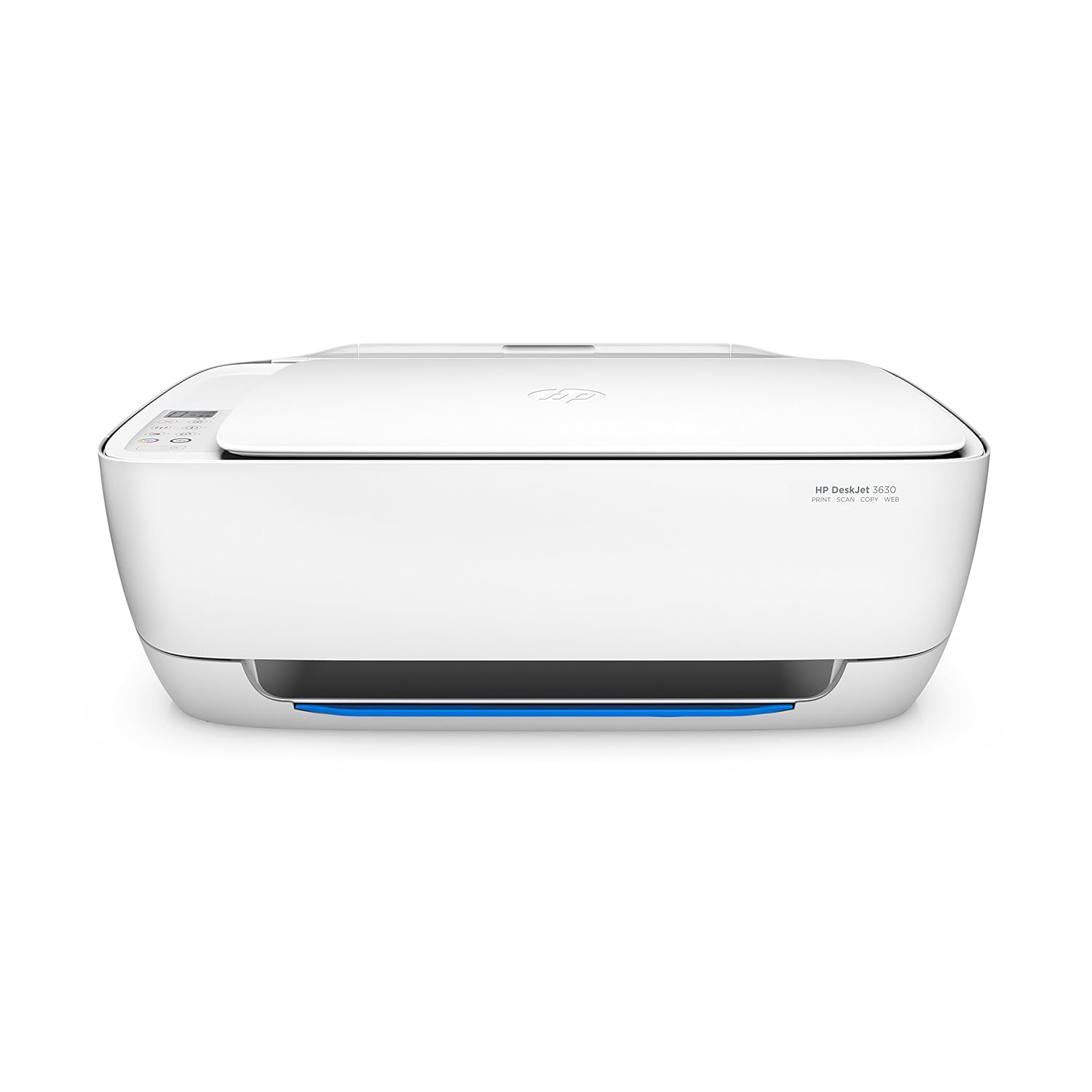
The HP Deskjet 3630 is designed to be unobtrusive yet quick and economical. Of all the HP printers, this is designed for the home user. It connects to a smartphone, tablet, laptop, or PC. Additionally, it offers easy, reliable printing, and it represents one of the cheapest printing solutions on the market.
Cons
Unlike many smaller deskjets, ink for the Deskjet 3630 is rather expensive. Additionally, the build quality might seem less than adequate.
For people who want to print photos, the Canon Pixma Pro-100S delivers stunning prints on a variety of paper types. It has been rated as the best all-around photo printer, and the quality of its prints is visible proof. Print resolution can go as high as 4,800 x 2,400 pixels per inch (ppi).
Cons
This printer is for people who want quality, and that quality comes at a slightly higher price than other comparable printers. Another feature sacrificed for quality is the speed.
Although an 8.5 x 11-inch color print only takes about a minute to print, photo-quality 13 x 19-inch prints take up to eight minutes.
Additionally, it uses dye-based inks, which are less resilient than pigments.
ABOUT Alycia Gordan
Alycia Gordan is a freelance writer who loves to read and write articles on healthcare technology, fitness and lifestyle. She is a tech junkie and divides her time between travel and writing. You can find her on Twitter: @meetalycia
Related Reading
More contextual TechBooky stories selected from tags, categories and article context.
We use cookies to ensure that we give you the best experience on our website. If you continue to use this site we will assume that you are happy with it.