• AI Search
  • Cryptocurrency
  • Earnings
  • Enterprise
  • About TechBooky
  • Submit Article
  • Advertise With TechBooky
  • Contact Us
TechBooky
  • African
  • AI
  • Metaverse
  • Gadgets
Generic selectors
Exact matches only
Search in title
Search in content
Post Type Selectors
Search in posts
Search in pages
  • African
  • AI
  • Metaverse
  • Gadgets
Generic selectors
Exact matches only
Search in title
Search in content
Post Type Selectors
Search in posts
Search in pages
TechBooky
Generic selectors
Exact matches only
Search in title
Search in content
Post Type Selectors
Search in posts
Search in pages
Home Gadgets

Apple Releases First iOS 26.5 Public Beta with New Apple Maps ‘Suggested Places’ and Maps Ads Coming

Paul Balo by Paul Balo
April 4, 2026
in Gadgets, Software
Share on FacebookShare on Twitter
In Brief
  • Apple has released the first public beta of iOS 26.5, opening testing to anyone enrolled in the company’s beta programme just days after developers got access.
  • The update is a point release, but it brings a notable change to Apple Maps along with fresh advertising plans and another round of testing for...
  • The headline feature in the iOS 26.5 public beta is a new Apple Maps capability called “Suggested Places.” When you tap the search bar in Maps,...

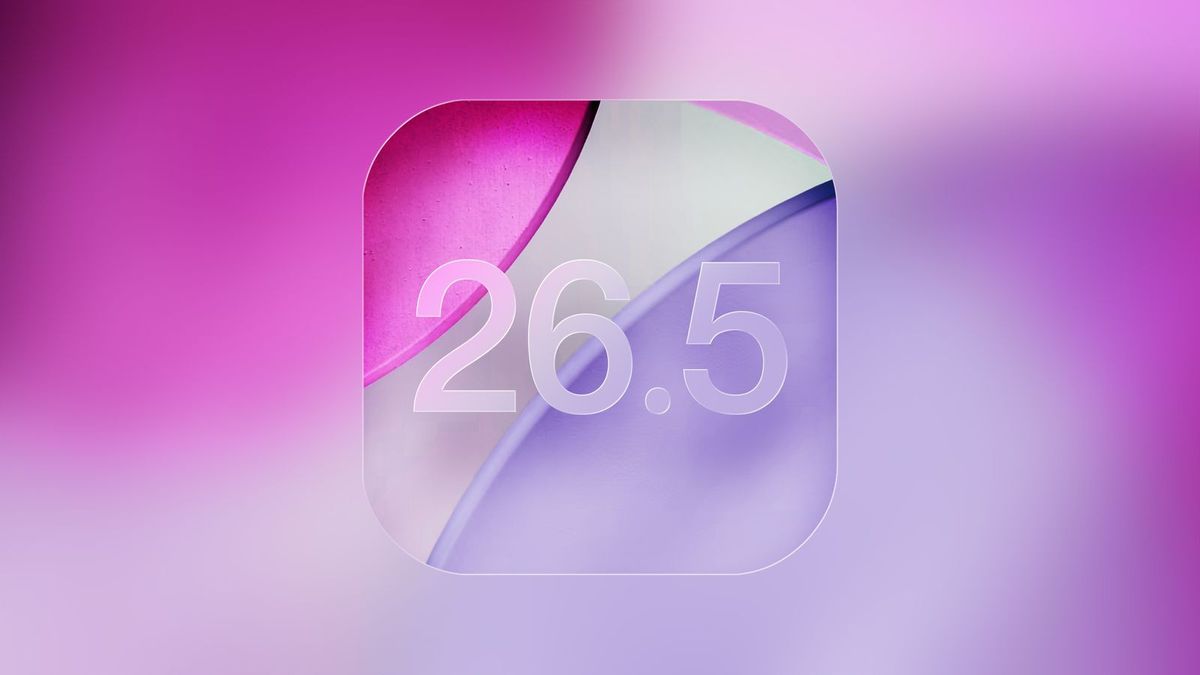
Apple has released the first public beta of iOS 26.5, opening testing to anyone enrolled in the company’s beta programme just days after developers got access.

The update is a point release, but it brings a notable change to Apple Maps along with fresh advertising plans and another round of testing for encrypted RCS messaging.

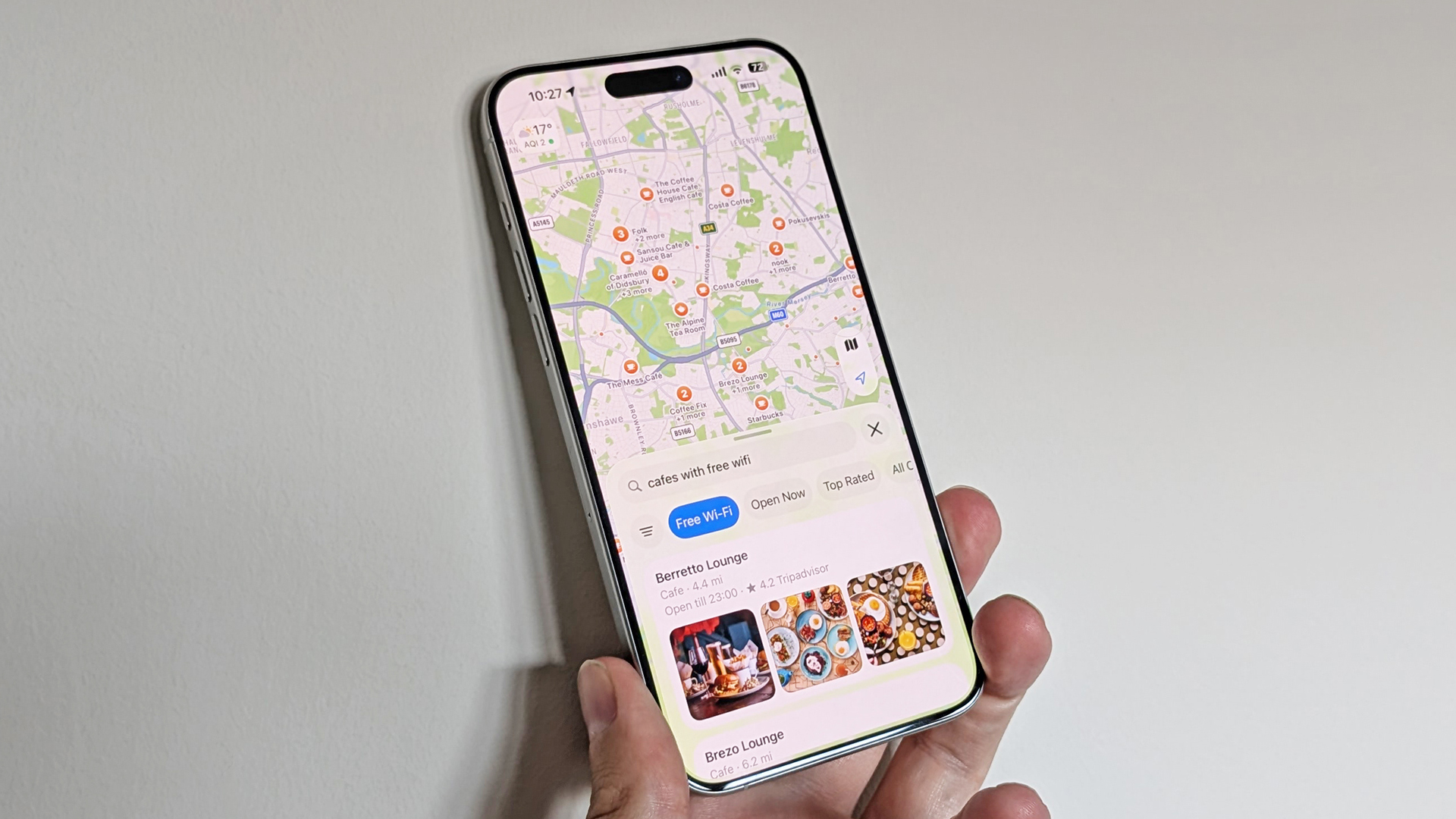
The headline feature in the iOS 26.5 public beta is a new Apple Maps capability called “Suggested Places.” When you tap the search bar in Maps, the app will now surface trending spots to visit, such as restaurants and other nearby establishments.

Suggestions can be based on your current location or on your previous search history in Maps, giving the feature a more personalised feel. These Suggested Places appear directly in the search interface, making them more prominent than the existing nearby categories or search suggestions users are used to.

Alongside Suggested Places, Apple is using iOS 26.5 to prepare users for a bigger shift: ads inside Apple Maps. The beta includes notifications that inform users the company will start showing advertising in the Maps app.

Apple previously confirmed in March that it plans to expand its advertising business beyond the App Store and Apple News apps, and Maps is one of the next destinations. In iOS 26.5, ads will:

  • Be based on your location
  • Use search terms you enter
  • Reference what you look up in Maps

According to Apple’s description, these ads will appear at the top of search results in Maps and within the Suggested Places list. The company says they will be clearly labelled as advertisements.

Apple also stresses that the new ad formats are designed with privacy in mind. It says your current location and the ads you interact with will not be tied to your Apple ID, and that personal data remains on your iPhone and is not collected. The iOS 26.5 beta is one of the first concrete signs of how Apple intends to balance expanding its ads business with the privacy positioning that underpins much of its platform.

Beyond Maps, Apple is again testing end-to-end encryption for RCS (Rich Communication Services) messages in the iOS 26.5 beta. RCS is positioned as a more modern replacement for SMS with features like richer media and improved chat capabilities. Apple is trialling encrypted RCS, but has not yet said whether this encryption will ship in the final, stable release of iOS 26.5.

For users who want to try iOS 26.5 early, Apple makes its public betas available through the Apple Beta Software Program. You can sign up on the programme’s website using your Apple ID credentials, then enrol an eligible iPhone to download and install the beta build over the air but here is a step by step approach; 

  1. Sign Up: Visit the Apple Beta Software Programme website and sign in with your Apple Account.
  2. Enroll: Once signed in, select the iOS tab and click the link to “enrol your iOS device”.
  3. Update Settings: On your iPhone, go to Settings > General > Software Update > Beta Updates.
  4. Select Beta: Choose the iOS 26 Public Beta option to see the iOS 26.5 update appear.

As with any beta software, features can change before the final release, and some capabilities being tested including end-to-end encryption for RCS may not make it into the stable version of iOS 26.5.

Related Reading

Explore more TechBooky stories from the latest and category sections below.

Keep Reading Smarter

Search TechBooky with AI

Use TechBooky's AI Search to explore the context behind this story and related coverage across the site.

Try AI Search
More On This Topic
Gadgets Software

Discover more from TechBooky

Subscribe to get the latest posts sent to your email.

Tags: Appleios 26.5iphonemobile OS
Paul Balo

Paul Balo

Paul Balo is the founder of TechBooky and a highly skilled wireless communications professional with a strong background in cloud computing, offering extensive experience in designing, implementing, and managing wireless communication systems.

Search TechBooky
Open TechBooky AI Search Try the AI Assistant

BROWSE BY CATEGORIES

Receive top tech news directly in your inbox

subscription from
Loading

Freshly Squeezed

  • New York Puts AI Data Centres On Pause As Power Grid Anxiety Grows July 14, 2026
  • Spotify’s New AI Assistant Turns Music Discovery Into A Conversation July 14, 2026
  • Supercell Is Offering African Game Studios Equity-Free Grants Of Up To US$200,000 July 14, 2026
  • WAEMU Wants To Build Africa’s Most Connected Fintech Market July 14, 2026
  • IBM’s Weak Q2 Warning Shows How AI Chip Spending Is Reshaping Enterprise Tech July 14, 2026
  • Yas Gets US$307m To Rebuild Zuku’s Broadband Fight In Kenya And Expand In Senegal July 14, 2026
  • Openview Stream Brings Free Ad-Supported TV To Seven African Markets July 14, 2026
  • Context Bombing Turns Prompt Injection Into A Defence Against AI Hackers July 14, 2026
  • Anthropic Says Claude’s Values Change Across Models And Languages July 14, 2026
  • Apple Opens iOS 27, macOS 27 And watchOS 27 Public Betas To Early Testers July 14, 2026
  • Smartphone Shipments Hit Their Weakest Q2 Since 2013 As Memory Costs Bite July 14, 2026
  • Meta’s Muse Image Backlash Shows Why AI Features Need Real Consent July 13, 2026

Browse Archives

July 2026
M T W T F S S
 12345
6789101112
13141516171819
20212223242526
2728293031  
« Jun    

Quick Links

  • About TechBooky
  • Advertise With TechBooky
  • Contact us
  • Submit Article
  • Privacy Policy
Generic selectors
Exact matches only
Search in title
Search in content
Post Type Selectors
Search in posts
Search in pages
  • African
  • Artificial Intelligence
  • Gadgets
  • Metaverse
  • Tips
  • AI Search
  • About TechBooky
  • Advertise With TechBooky
  • Submit Article
  • Contact us

© 2025 Designed By TechBooky Elite

Discover more from TechBooky

Subscribe now to keep reading and get access to the full archive.

Continue reading

We use cookies to ensure that we give you the best experience on our website. If you continue to use this site we will assume that you are happy with it.