TechBooky AI Assistant
👋 Welcome to TechBooky AI Assistant

I can help with:
🔎 Tech News
🤖 AI Topics
💻 Gadgets
☁️ Cloud
✍️ Guest Posts
📢 Advertising
🔗 Backlinks
📩 Newsletter
  • AI Search
  • Cryptocurrency
  • Earnings
  • Enterprise
  • About TechBooky
  • Submit Article
  • Advertise With TechBooky
  • Contact Us
TechBooky
  • African
  • AI
  • Metaverse
  • Gadgets
Generic selectors
Exact matches only
Search in title
Search in content
Post Type Selectors
Search in posts
Search in pages
  • African
  • AI
  • Metaverse
  • Gadgets
Generic selectors
Exact matches only
Search in title
Search in content
Post Type Selectors
Search in posts
Search in pages
TechBooky
Generic selectors
Exact matches only
Search in title
Search in content
Post Type Selectors
Search in posts
Search in pages
Home Internet

Chrome Autofill For Passports And IDs: Convenience, Privacy And Risk

Akinola Ajibola by Akinola Ajibola
November 3, 2025
in Internet, Service news
Share on FacebookShare on Twitter
Share this story

Send it to someone who should read it.

f Facebook X X in LinkedIn wa WhatsApp tg Telegram @ Email

In Brief
  • On Monday, Google released a significant upgrade for Chrome that will alter how you manage those tiresome web forms.
  • It also said that its Chrome browser’s auto-fill function can now fill in your driver’s license, passport, automobile registration, and more.
  • The convenience factor of Chrome which has increased with its ability, can now automatically fill in your addresses, passwords, and payment details thanks to this enhancement.

On Monday, Google released a significant upgrade for Chrome that will alter how you manage those tiresome web forms. It also said that its Chrome browser’s auto-fill function can now fill in your driver’s license, passport, automobile registration, and more.

The convenience factor of Chrome which has increased with its ability, can now automatically fill in your addresses, passwords, and payment details thanks to this enhancement.

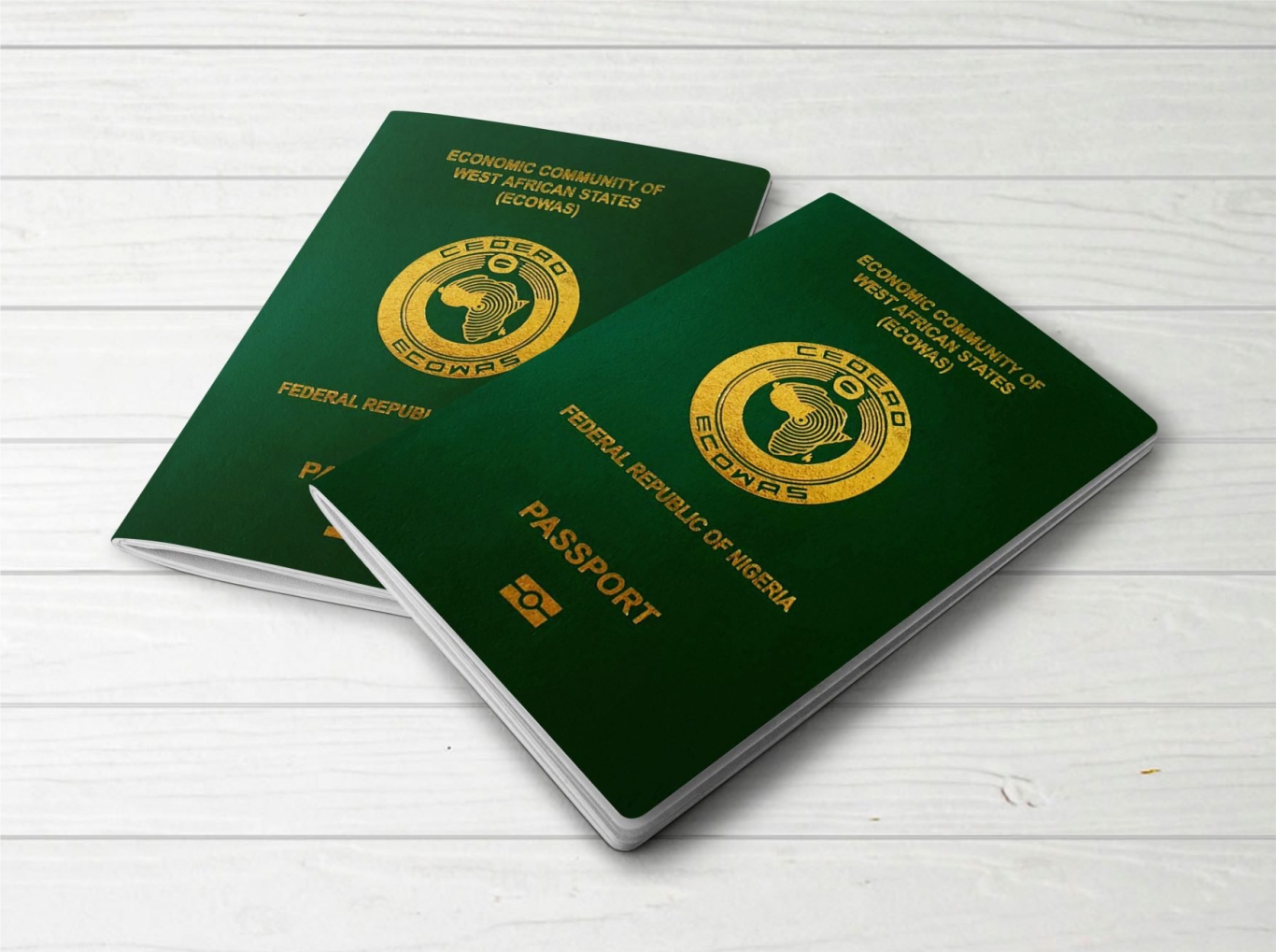
The passport and driver’s license number, car information (such as the license plate or VIN), and other details are automatically filled in on web pages for desktop users who have enabled advanced autofill.

It’s most recent attempt to maintain Chrome’s competitiveness in a crowded browser market where AI-powered alternatives are gaining traction is the rollout, which is available worldwide and in all languages as of Monday

Google claims that Chrome’s increased comprehension of intricate forms and a wide range of formatting specifications will increase accuracy online.

Chrome only saves autofill data when you allow it to, according to the tech giant, and it encrypts this data to keep it safe. Chrome will also ask you to confirm before filling in saved information on your behalf.

https://tbwpfiles.s3.eu-west-2.amazonaws.com/wp-content/uploads/2025/11/03214716/Chrome_Autofill_Improvements_V3.mp4

Beginning Monday, all languages will have access to these new upgrades worldwide. Chrome expects to handle many more data types in the upcoming months, according to the firm.

You are familiar with the procedure. You arrive at a government portal, enter your licence number, and begin searching. Glove box, wallet and that closet folder. Those times are coming to an end. This eliminates a daily friction point that stealthily eats up time, not simply shaving seconds.

With the influx of new AI browsers, Google has been enhancing Chrome with new features to make it more useful. This announcement was made on Monday. 

Also worth reading
Made By Google 2026 Is Really A Gemini Hardware Test Gemini Hits 1B Users. Here Are Google’s 13 Other Billion-User Products Jeff Dean Leaves Google As AI Talent Race Gets Personal Google Launches Gemini 3.6 Flash, Flash-Lite And Flash Cyber Models Apple And Google Ordered To Remove AI Nudify Apps From App Stores Google’s Gemini 3.5 Pro Delay Shows How Hard The AI Race Has Become

This is what you will see on your desktop today. Chrome’s improved autofill now manages driver’s license information, passport numbers, and car information such as VINs and license plates when you fill out online forms.

Imagine logging through a tax or visa form, purchasing a foreign ticket, or renewing your registration online. Eliminate the need to search through your passport for that lengthy series of numbers. The days of searching through your glove box when a tab is out are over.

Since it integrates with Chrome’s pre-existing autofill configuration, its a natural feeling being than to be forced. The browser continues to request confirmation before filling out any information, giving you complete control over when and where your private information is displayed.

Gemini in Chrome was previously only available to Google AI Pro and Google AI Ultra subscribers, but a few weeks ago, Google made it available to all Mac and Windows desktop users in the United States. In addition, the tech giant stated at the time that it would soon introduce agentic capabilities to Chrome, integrate its AI Mode search function into the address bar, introduce new Gemini features, employ AI to counteract scams created by AI, implement automated password resets, and more.

Other minor changes that Chrome has recently introduced include a new tool that automatically turns off browser notifications for websites you haven’t used recently and a function that facilitates switching between Google accounts for work and personal use.

You may start saving time on government forms and trip reservations right away with the improved autofill tool, which is currently accessible to desktop users worldwide. Just look for Chrome’s recognisable autofill prompt the next time a form requests your passport or driver’s license information, and you will notice the option to save this information.

Google will likely maintain Chrome’s competitiveness with more intelligent automation and useful intelligence as AI browsers continue to push the boundaries. The conclusion is that Chrome is focussing on solutions that truly benefit users rather than pursuing dazzling AI only for show. Most people will employ that type of AI without hesitation.

Chrome autofill is becoming more personal

Quick answer: Autofill can make forms faster, but storing sensitive identity details in a browser deserves careful privacy decisions.

Why this still matters

  • Readers should use strong device security before saving sensitive identity documents.
  • Autofill convenience needs to be balanced against shared-device and account-compromise risks.
  • Browser privacy settings are now part of everyday digital safety.

Also useful on TechBooky

  • How to use Incognito Mode in Chrome for Android
  • Free proxy servers and safe browsing
  • How to see who is using your Wi-Fi on Windows

Related Reading

More contextual TechBooky stories selected from tags, categories and article context.

  • csm_1200x630wa_5026e9630c
    Microsoft Pushes Edge & Disables Authenticator Autofill
  • images (18)
    DOJ Antitrust Clampdown Google to Sell Chrome Browser
  • l170_7931583229821
    Google Chrome Update Disables Annoying Alerts
  • 1650037494_Download-Google-Chrome-Free-PC-Mac
    Google Chrome Adds Advanced Picture-In-Picture Feature
  • skynews-google-chrome-logo_6753346
    Google Chrome To Debut Support for ARM64 Linux This Spring
  • Google-Chrome-headpic
    Google Patches Fourth Chrome Zero-Day of 2026 as…
  • 1200x630wa (1)
    Chrome Update Brings Improved Desktop Mode on Android
  • Chrome-Allow-this-time
    Chrome for Android May Soon Let Websites Access User…
Keep Reading Smarter

Search TechBooky with AI

Use TechBooky's AI Search to explore the context behind this story and related coverage across the site.

Try AI Search
More On This Topic
Internet Service news
Follow TechBooky

Follow TechBooky for more technology stories and newsroom updates.

f Facebook X X in LinkedIn ig Instagram wa WhatsApp

Tags: chromechrome autofillgoogle
Akinola Ajibola

Akinola Ajibola

Search TechBooky
Open TechBooky AI Search Try the AI Assistant

BROWSE BY CATEGORIES

Receive top tech news directly in your inbox

subscription from
Loading

Freshly Squeezed

  • Grok 4.6 Puts xAI Back In The Frontier Model Race August 13, 2026
  • Cognition’s $40B Target Shows AI Coding Is Still The Hottest Bet August 12, 2026
  • Tencent’s AI Spending Surge Shows China Has The Same Compute Problem August 12, 2026
  • Former Qwen Lead Launches Pragmatik Labs For China’s Agent Race August 12, 2026
  • Pixel Watch 5 Adds Breathing Emergency Detection As Google Pushes Health August 12, 2026
  • Pixel 11 Pro Fold Gets Brighter Screens And Real Dust Protection August 12, 2026
  • Pixel Tag Finally Gives Android A Real AirTag Rival August 12, 2026
  • Google’s Pixel 11 AI Features Show Gemini Moving Beyond Chat August 12, 2026
  • Foxconn’s AI Server Boom Is Now Bigger Than Its Apple Story August 12, 2026
  • CBN Opens Sandbox For Nigeria’s Virtual Asset And Fintech Firms August 12, 2026
  • Made By Google 2026 Is Really A Gemini Hardware Test August 12, 2026
  • Researchers Say Frontier AI Models Can Leak Hidden Reasoning August 12, 2026

Browse Archives

August 2026
M T W T F S S
 12
3456789
10111213141516
17181920212223
24252627282930
31  
« Jul    

Quick Links

  • About TechBooky
  • Advertise With TechBooky
  • Contact us
  • Submit Article
  • Privacy Policy
Generic selectors
Exact matches only
Search in title
Search in content
Post Type Selectors
Search in posts
Search in pages
  • African
  • Artificial Intelligence
  • Gadgets
  • Metaverse
  • Tips
  • AI Search
  • About TechBooky
  • Advertise With TechBooky
  • Submit Article
  • Contact us

© 2025 Designed By TechBooky Elite

Discover more from TechBooky

Subscribe now to keep reading and get access to the full archive.

Continue reading

We use cookies to ensure that we give you the best experience on our website. If you continue to use this site we will assume that you are happy with it.