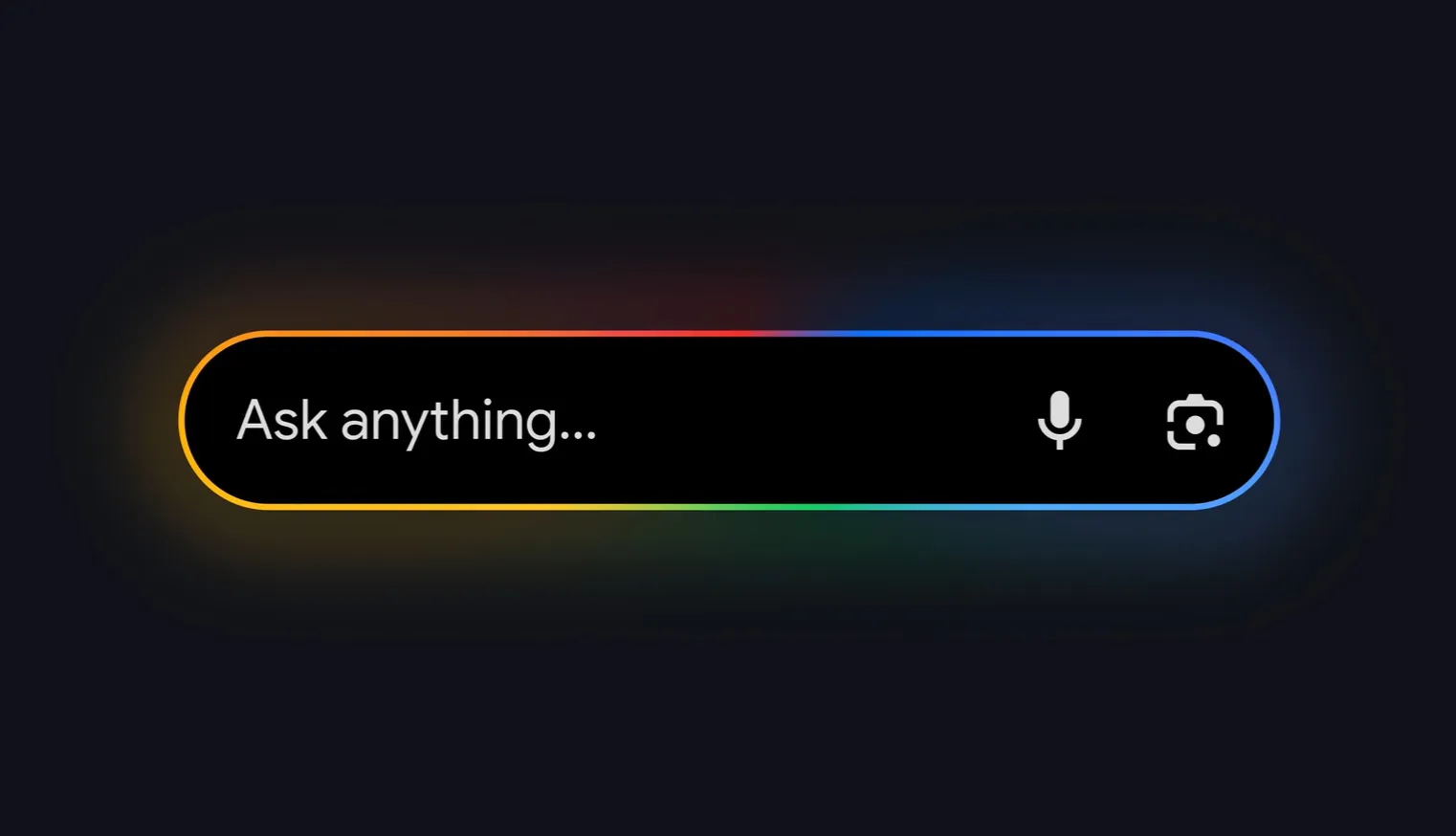
A report claims that Google is bringing its new AI search experience after months of being limited to smartphones, called AI Mode, to Android tablets. This is a move in rolling out the AI Mode to Android tablets. According to reports, Google is using the most recent upgrade to the Google app to introduce AI Mode on larger display devices. Due to size optimisation considerations, tablets usually receive new features later than smartphones and desktop interfaces. The page looks stretched out in landscape view, and the new AI Mode on Android tablets doesn’t seem to be designed for it.
For the google pixel android users, the wait is finally over for android tablet users who have been expecting the Google’s AI mode feature.
It replaces traditional search results with real time dialogue, the AI mode is like having a smart conversation with google instead of typing keywords you get a ChatGPT-like experience where you can ask follow-up questions, upload images, and get answers that actually understand what you’re looking for. The feature runs on Google’s Gemini AI model, which also means it’s not just pulling information from websites, it is thinking through questions asked and providing responses that are helpful.
The media agency 9to5Google noticed the presence of AI Mode in Google Search on an Android tablet. The feature appeared in version 16.30 of the Google app, which is currently in beta testing and on Pixel Tablets, AI Mode now appears at the top of the Home feed, while the shortcut is available in the Pixel Launcher or homescreen widget. You can see longer conversations with the AI, view image results more clearly, and take advantage of features like Canvas for visual planning and Search for real-time information.
Also the publication claims to have observed the feature in the Pixel Tablet, which was released in a few markets in 2023, but Gadgets 360 team have not yet noticed it.
Google has enhanced its AI Mode feature to Android tablets, applying generative AI for searches, image generation, and tools like Canvas and Search Live. Features include search where you can ask questions, get answers and then follow up naturally like chatting with a friend. You can upload images and ask the AI to explain what’s in them, identify objects, or even help with homework problems. Google Lens was also added which lets you point your tablet’s camera at something and get information instantly into the AI previous conversation. However, early reports suggest the current update on tablets might lack proper landscape optimization, with observations showing a stretched appearance.
According to the article, which included screenshots of the functionality, beta testers can now see AI Mode in the Discover stream that shows up on the home screen. The feature’s icon is claimed to be located beneath the search bar, along with the Google Lens gallery and translation capabilities, just like on smartphones. According to reports, its shortcut is also accessible through the Pixel Launcher or home screen widget, which can be enabled or disabled through the Google app settings.
The move strengthens Google’s AI ecosystem amid competition, particularly against ChatGPT and other AI assistants that have been gaining ground. By bringing AI Mode to tablets, Google is making sure its AI tools are available wherever users want to work and browse.
Google has been aggressive about expanding AI Mode since its initial launch, officially rolling it out to all English-language users in the U.S. over age 13, and the tablet rollout is just the latest expansion. Expect to see more AI-powered features integrated into the tablet experience, potentially including better handwriting recognition, stylus support for AI interactions, and deeper integration with Android’s multitasking features.
AI Mode on Android tablets isn’t just about having another way to search it is about transforming how we interact with information on larger screens. Whether you’re a student researching assignments, a professional looking up industry trends, or someone who loves exploring topics in depth, AI Mode makes your tablet feel like a much more capable device.
The AI Mode layout on tablets is identical to that on Android smartphones, according to the publication. Nevertheless, the prompt bar seems oversized and poorly designed when viewed in landscape mode. According to reports, the responses show up similarly to other interfaces.
On phones, tapping brings up the same question box as Google Lens and image uploads, but it’s extended out. Although it is not the most optimal interface (use portrait mode instead of landscape), it is still functional and preferable than having to open Google.com/aimode in Chrome. Since Google is just using the desktop web layout for AI Mode, answers appear to be good in the meantime. The most recent version of the Google app for iPad does not yet support AI Mode.
Related Reading
More contextual TechBooky stories selected from tags, categories and article context.
We use cookies to ensure that we give you the best experience on our website. If you continue to use this site we will assume that you are happy with it.